DR Checker vs SERPView
Side-by-side comparison to help you choose the right tool.

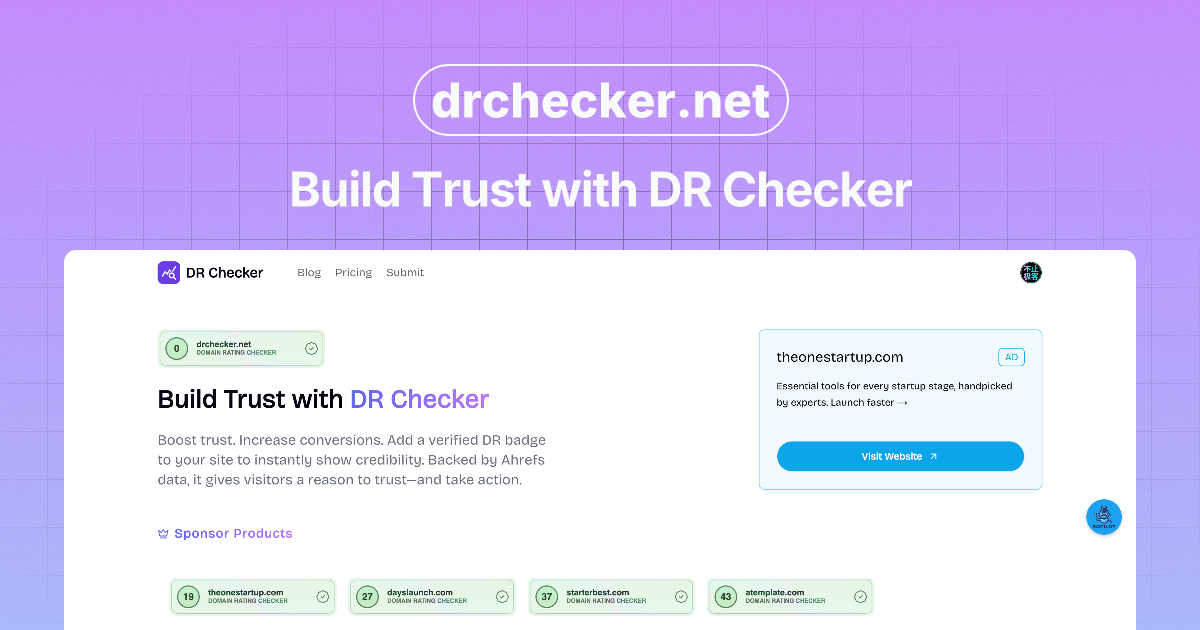
DR Checker verifies your site's security to build user trust, though it's currently paused.

SERPView
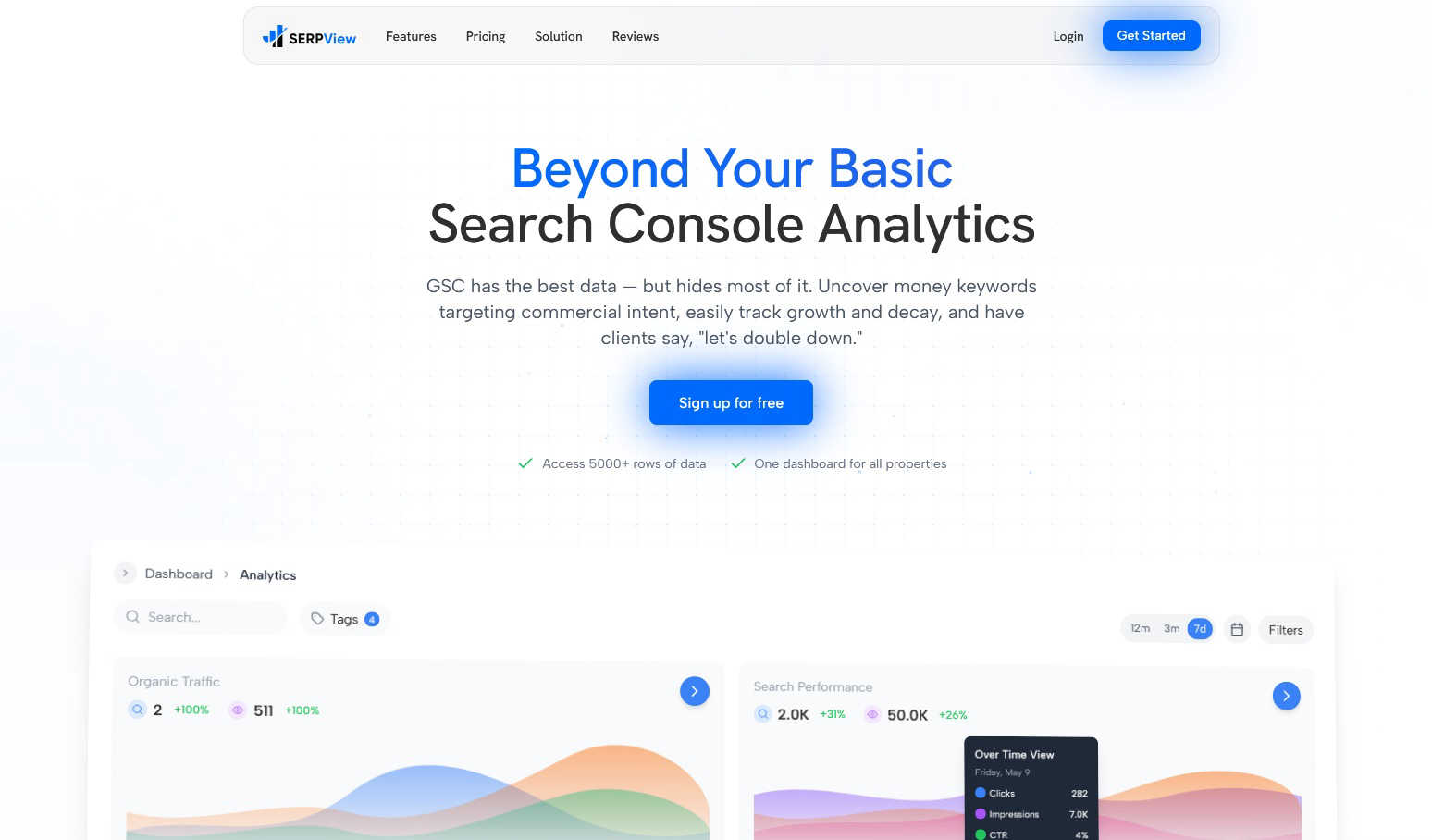
SERPView unlocks Google Search Console's hidden data to reveal your best keywords and traffic opportunities.
Last updated: March 1, 2026
Visual Comparison
DR Checker
SERPView
Feature Comparison
DR Checker
Advanced Site-Wide Crawling
This isn't a superficial link checker. DR Checker employs robust crawling technology designed to navigate complex website structures, including deep pages, dynamic content, and intricate menus. It systematically follows every internal and external link it can find, ensuring no problematic connection is left hiding in a forgotten blog post or an old product page. This thoroughness is what separates a professional audit from a basic, unreliable scan.
Broken Link & 404 Error Detection
The foundational feature of any link checker, executed with precision here. DR Checker identifies every link that leads to a dead end—those frustrating "404 Page Not Found" errors. It catalogs them, often specifying the source page and the broken destination URL. This allows you to either remove the link, update it, or implement a proper redirect, directly improving user experience and stopping valuable link equity from leaking into the digital void.
Malicious & Suspicious Link Identification
This is where DR Checker elevates itself from a maintenance tool to a security asset. It doesn't just look for broken links; it analyzes the destinations of your outbound connections. The tool flags links that point to known malicious sites, expired domains that could be squatted by bad actors, or URLs with poor reputation scores. This is crucial for protecting your visitors and maintaining your site's standing with search engines, which penalize links to spammy neighborhoods.
Actionable SEO & Health Reporting
Data is useless without insight. DR Checker compiles its findings into clear, comprehensive reports that highlight the issues sorted by severity and type. These aren't just technical logs; they are actionable to-do lists for site optimization. By showing you exactly which pages are hosting the most broken links or risky connections, it enables targeted cleanup efforts that directly contribute to better SEO health and a more trustworthy site profile.
SERPView
Performance Tracking Without Limits
This is the game-changer. SERPView shatters Google's 1,000-row data ceiling, granting you access to a staggering 50,000 rows of historical performance data. This means you can track clicks, impressions, CTR, and average position across your entire keyword and page universe, not just a tiny, unrepresentative sample. No more guessing what's happening beyond the first page of GSC data. You get the complete picture, enabling deep-dive analysis and accurate trend spotting over any meaningful period.
Advanced Keyword & Page Analysis
Move beyond basic lists. SERPView's keyword analysis helps you pinpoint "money keywords" with commercial intent and track their precise ranking movements over time. Similarly, the page analysis feature clearly highlights your top-performing and underperforming content, showing you exactly which pages are driving traffic and which need immediate optimization. It turns vague hunches into specific, prioritized action items for your content and technical SEO strategies.
Mobile vs. Desktop & International Insights
Understanding how your audience interacts with your site is crucial. SERPView brilliantly segments performance data by device type (mobile vs. desktop), allowing you to identify significant opportunities for device-specific optimization. Furthermore, its international SEO insights let you track performance across different countries and languages, which is invaluable for businesses with a global audience or those looking to expand. You can tailor your strategy based on what actually works in each region.
Query Counting & Update Annotations
Two of my favorite "hidden gem" features. Query Counting shows you how many unique search queries are driving impressions, broken down by ranking position. This is phenomenal for understanding your search visibility footprint. The Google Updates & Annotations feature is a strategic powerhouse, allowing you to mark algorithm update dates and add custom notes directly onto your performance charts. This lets you correlate ranking volatility with specific events, turning reactive panic into proactive understanding.
Use Cases
DR Checker
Pre-Launch Website Audits
Before flipping the switch on a new or redesigned website, a final audit with DR Checker is a non-negotiable step. It ensures that all internal navigation works flawlessly and that no placeholder or test external links have slipped into the live code. Launching with broken links creates an immediate poor first impression, and this tool helps you present a polished, professional product from day one.
Ongoing SEO Maintenance
Search engines like Google use crawl health as a ranking factor. Regularly scheduled scans with DR Checker allow SEOs and website managers to proactively find and fix broken links before they accumulate and harm site authority. It’s a core practice for preserving hard-earned rankings and ensuring search engine bots can smoothly crawl and index all your valuable content without hitting dead ends.
Enhancing User Experience & Trust
From a user's perspective, encountering a broken link is frustrating and erodes trust in your website's credibility. For content-heavy sites like blogs, news portals, or educational resources, using DR Checker to routinely purge these dead links is critical. It ensures a smooth, uninterrupted journey for your audience, which increases engagement, reduces bounce rates, and fosters loyalty.
Security Hygiene & Risk Mitigation
Websites can become compromised over time as linked-to external sites expire or turn malicious. Digital marketers and security-conscious admins use DR Checker as a monitoring tool to identify these risky outbound connections. Removing links to compromised sites protects your visitors from phishing scams or malware and safeguards your site from being flagged as dangerous by browsers or security plugins.
SERPView
For the SEO Agency Managing Multiple Clients
Juggling a dozen different GSC accounts is a productivity killer. SERPView allows agencies to connect all client properties into one unified dashboard. This centralization makes performance reporting, identifying cross-client trends, and delivering actionable insights incredibly efficient. You can provide far more value without the administrative headache, all from a single, professional interface.
For the In-House Marketer Proving SEO ROI
In-house teams need to demonstrate impact and justify budgets. SERPView's deep data access and clear visualizations make it easy to create compelling reports that show progress, highlight wins (like keyword movements into the top 3), and identify new opportunities. The ability to track topic clusters and page performance directly ties SEO efforts to business outcomes like traffic and engagement.
For the Content Team Optimizing Existing Assets
Content teams can move from publishing and hoping to a true data-informed model. By using the Page Analysis and Keyword Analysis features, writers and editors can quickly identify high-potential pages that are languishing on page 2 of Google, or discover new keyword variations their existing content can be optimized for. It turns the content refresh process from a guesswork exercise into a targeted surgical strike.
For the E-commerce Store Tracking Product Visibility
E-commerce sites live and die by their search visibility for commercial product keywords. SERPView enables store owners to track thousands of product-related keywords beyond the basic GSC limit, monitor category page performance, and understand how device usage (mobile vs. desktop) affects different product segments. This data is critical for optimizing product titles, descriptions, and site structure to capture more commercial traffic.
Overview
About DR Checker
DR Checker (or DrCheck) is a web-based diagnostic tool that acts as a dedicated physician for your website's health, specifically focusing on its network of links. In the digital world, a broken or malicious link is more than just a minor annoyance; it's a direct hit to your credibility, user experience, and search engine rankings. This tool is built for the vigilant website owner, the meticulous developer, and the SEO-conscious marketer who understands that a clean site is a high-performing site. Its core value proposition is delivering peace of mind through automation. Instead of manually checking hundreds of pages, DR Checker deploys advanced crawling technology to comprehensively scan your entire site structure, uncovering everything from simple 404 errors to more insidious links pointing to expired domains or potentially harmful websites. While the service appears to be in a temporarily paused state, its intended design promises an intuitive interface that democratizes technical maintenance, making critical security and performance audits accessible to users of all skill levels. In my opinion, in an era where trust is paramount, a tool that proactively safeguards your site's integrity is not just useful—it's essential.
About SERPView
Let's be honest: Google Search Console is a treasure trove of data, but using it feels like trying to drink from a firehose with a thimble. The interface is clunky, the data limits are frustrating, and connecting the dots across multiple properties is a nightmare. That's precisely why SERPView exists, and in my opinion, it's not just an add-on; it's the essential, modern dashboard GSC always should have been. SERPView is a powerful analytics platform built specifically to unlock the full potential of your Google Search Console data. It's crafted for SEO professionals, digital marketers, and website owners who are tired of the limitations and ready to make truly data-driven decisions. The core value proposition is breathtakingly simple: it gives you unfettered access to over 50,000 rows of GSC data (versus the standard 1,000), presents it all in a single, intuitive dashboard, and layers on advanced analytics that Google simply doesn't provide. This tool is for anyone who has ever felt there were hidden insights just out of reach in their search performance data. It transforms raw, cumbersome numbers into clear, actionable intelligence, empowering you to track keyword movements, analyze page performance, compare device data, and manage multiple websites from one centralized command center. If you're serious about SEO, this is the upgrade you've been waiting for.
Frequently Asked Questions
DR Checker FAQ
What exactly does DR Checker scan?
DR Checker performs a comprehensive scan of your website's link ecosystem. It crawls through your pages to identify all internal links (pointing to other pages on your site) and external links (pointing to other domains). For each link, it checks the HTTP status code to find broken links (like 404 errors), validates the URL format, and can assess the reputation of external destinations to flag potentially malicious or suspicious connections.
Who is the ideal user for DR Checker?
The tool is incredibly versatile. It's perfect for website owners and managers who want to maintain a professional site without deep technical knowledge. Developers and webmasters can use it for technical audits and pre-launch checks. SEO specialists and digital marketers rely on it for ongoing optimization and protecting their site's search ranking health. Essentially, anyone responsible for a website's performance and credibility can benefit.
How often should I run a website link check?
The frequency depends on how dynamic your website is. A large, frequently updated blog or news site might benefit from a weekly or bi-weekly scan. A more static brochure website could be checked monthly or quarterly. A best practice is to run a scan after any major content update or site migration. Regular, scheduled checks are key to preventing the gradual accumulation of link rot.
The service says it's "temporarily paused." What does that mean?
This typically indicates that the DR Checker web application is not currently accepting new scans or allowing users to access its full functionality at this moment. It could be due to maintenance, server updates, a service redesign, or other operational reasons. You would need to check the official DR Checker website or contact their support for the most current status and information on when the service will resume.
SERPView FAQ
How is SERPView different from Google Search Console?
Think of Google Search Console as the raw data warehouse and SERPView as the sophisticated business intelligence platform built on top of it. GSC provides the foundational data but with severe limits (1,000 rows) and a basic interface. SERPView removes those limits, gives you 50x more data, adds advanced analytics (like query counting, device breakdowns, annotations), and presents everything in a unified, customizable, and shareable dashboard for multiple properties.
What data does SERPView access, and is it secure?
SERPView connects directly to your Google Search Console account via Google's secure OAuth API. It only reads your search performance data; it cannot make any changes to your website or Google account. The connection is read-only and highly secure, using the same official protocol that countless other trusted marketing apps use. Your data is processed and presented but never altered or owned by SERPView.
Can I use SERPView for multiple websites?
Absolutely, and this is one of its strongest suits. You can connect and manage multiple Google Search Console properties (websites) from within your single SERPView account. All the data aggregates into one master dashboard, but you can also filter and view reports for each property individually. This makes it perfect for agencies, freelancers with multiple clients, or businesses with several domains.
How much historical data can I see in SERPView?
SERPView pulls in 16 months of historical search performance data from the moment you connect your Google Search Console account. As you continue to use the platform, it will automatically accumulate and store this data over time, building a rich, long-term performance history that you can analyze and compare against. This far exceeds the limited, rolling timeframe often visible in the native GSC interface.