
Best Dev Tools tools (72+)
Discover 72+ best dev tools tools. Compare features, pricing, and reviews. Free and paid options available.
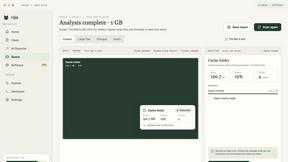
Nijia
See where Mac storage goes, review items before cleanup, inspect developer workspaces, and monitor system health. Try every feature free for 7 days.
JustTools
JustTools offers a growing collection of free online tools that run directly in your browser, with no sign-up and no uploads.
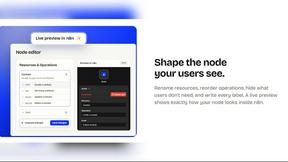
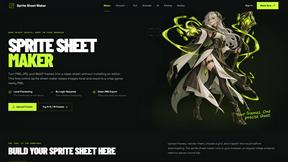
Sprite Sheet Maker
A free browser-based toolkit for creating, cutting, converting, and previewing sprite sheet animations.
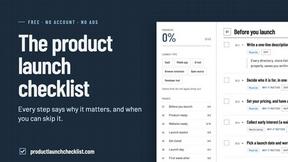
Product Launch Checklist
A free launch checklist for SaaS, apps, AI tools and more. Every step says why it matters and when you can skip it.
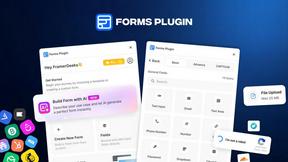
Forms Plugin
The #1 Native Form Builder Plugin for Framer - No Code, No Embeds, No External Platforms.
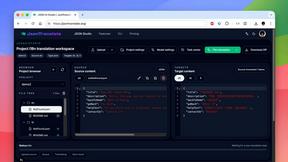
JsonTranslate
A structured JSON, Markdown, and TXT translator that preserves keys, nested paths, and project structure.

TryKlingAI
Independent Kling AI video generator for text, image, audio, and motion references with Kling 3.0, Lip Sync, and API access.
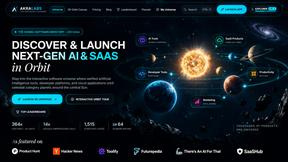
AkraLabs
Where modern software products get discovered, launched, and distributed. Explore verified AI tools, SaaS startups, and developer software.

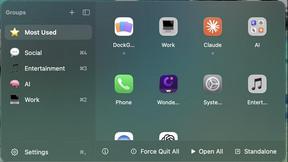
DockGroups
Your Dock, your rules. Simple and clean. Workflows in one click

Screen Tester
Free online screen tester for checking dead pixels, colors, brightness, contrast, refresh rate, and display quality.

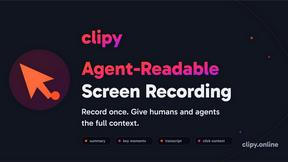
Clipy
Free, no-watermark screen recorder + instant share links. A Loom alternative: record, stop, share. No signup, no time cap, no app to watch.
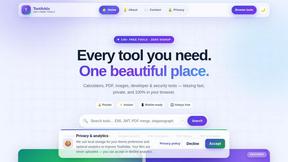
Tooladda
ToolAdda offers a collection of over 138 free, browser-based tools for calculations, PDF manipulation, image editing, and more. All tools run client-s


Firma.dev
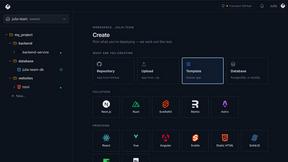
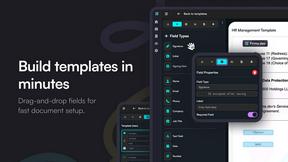
Pay-as-you-go e-signature API and no-code sending. €0.049 per envelope, no monthly minimums, legally valid in 55+ countries.

PairFoundry
Playbooks, prompt packs and agent configuration for developers shipping with AI coding agents.
PDF Pro AI
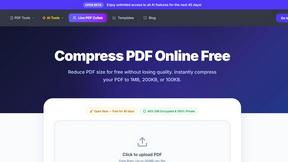
Privacy-first AI document tool — analyze medical reports, bank statements & salary slips 100% in-browser. No uploads, no signup, free.

ContextBolt
MCP servers that give Claude and Cursor the context they're missing: bookmark recall, live SEO data, and nightly competitor tracking.
PNG to SVG
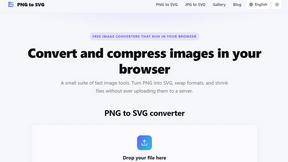
Free, private image conversion tools that run entirely in your browser.
ClipUtils
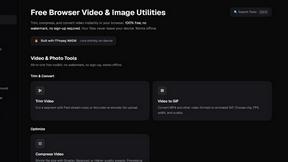
ClipUtils is a free toolkit of browser-based video and image tools.
AIQualityHQ
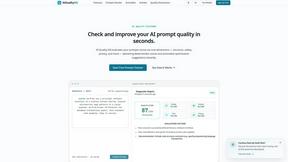
AIQualityHQ is my go-to for instantly scoring and fixing any prompt's structure, safety, and privacy in under 10 milliseconds.
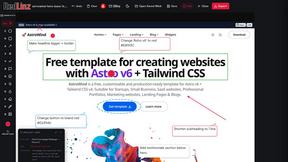

Blur & Unblur AI
Free online face blur and unblur tool with local browser processing.
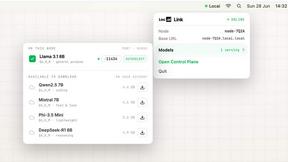
Locai
Locai lets you run powerful AI models on your own hardware, keeping data private and cutting cloud costs.
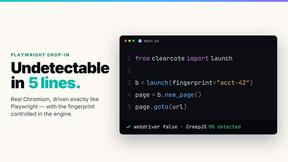
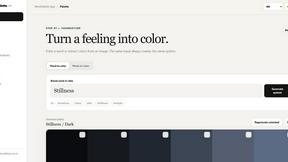
WordPalette Brand Kit
WordPalette is my favorite tool for instantly turning any word or image into a complete, private brand identity that lives entirely in your browser.
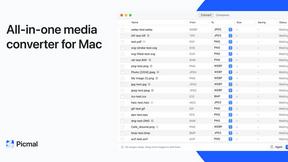
Picmal
Picmal is my favorite all-in-one media toolkit for Mac, letting you convert, compress, and edit images, video, audio, and PDFs entirely offline.
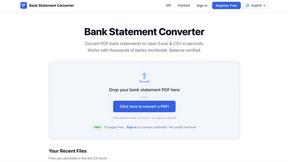
Bank Statement Engine
Bank Statement Engine is my top pick for instantly converting PDF bank statements into clean Excel or CSV files with no signup, limits, or credit.

JustLaunched
My favorite launchpad for indie makers to schedule, blast directories, and get discovered by real buyers.
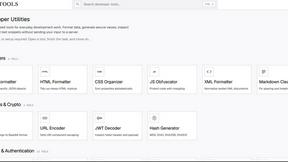
JavaScript Tools
My favorite developer toolkit for instantly formatting JSON, HTML, CSS, XML, and Markdown without sending data to a server.
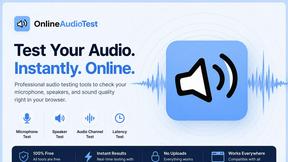
online audio test
This is my go-to free browser suite for instantly testing mics, speakers, latency, and hearing with zero downloads or signups.
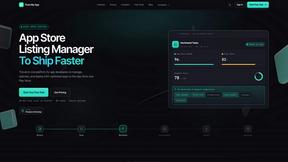
Push My App
Push My App is my go-to for shipping search-optimized App Store and Play Store listings in one afternoon without the busywork.

Popular Alternatives in Dev Tools
About Dev Tools tools
Dev Tools provide developers with the software, platforms, and utilities needed to write, test, debug, deploy, and monitor code more efficiently. This category includes code editors, development environments, debugging tools, CI/CD platforms, API testing tools, version control interfaces, and developer productivity enhancers.
Whether you are writing code, managing deployments, testing APIs, monitoring application performance, or automating development workflows, these tools provide the infrastructure that modern software development demands.
Compare dev tools by their language support, integration ecosystem, performance, collaboration features, and pricing to find the right development tools for your stack and team.
FAQs for Dev Tools
What types of developer tools are listed?
This category includes code editors and IDEs, terminal and CLI tools, API testing platforms, CI/CD solutions, debugging tools, performance monitoring, version control interfaces, code review platforms, and developer productivity extensions.
Are there dev tools for specific programming languages?
Yes. Some tools specialize in specific languages or ecosystems like JavaScript, Python, Go, or Rust, while others provide multi-language support. Check individual listings for language-specific features and compatibility.
How do dev tools improve team productivity?
Dev tools improve productivity through code completion, automated testing, streamlined deployments, collaborative debugging, shared development environments, code review workflows, and integration with project management systems.
Do dev tools support cloud development?
Yes. Many modern dev tools offer cloud-based development environments, remote container support, cloud debugging, and browser-based IDEs that allow developers to work from any device without local setup.
Are there free developer tools?
Yes. Many essential dev tools are open source or offer generous free tiers for individual developers and small teams. Paid plans typically add team management, enterprise security, and advanced scaling features.
How do I choose the right dev tools?
Consider your tech stack, team size, deployment targets, collaboration needs, and budget. Prioritize tools that integrate well with your existing workflow and offer the specific features your development process requires.