
online audio test
This is my go-to free browser suite for instantly testing mics, speakers, latency, and hearing with zero downloads or signups.
Visit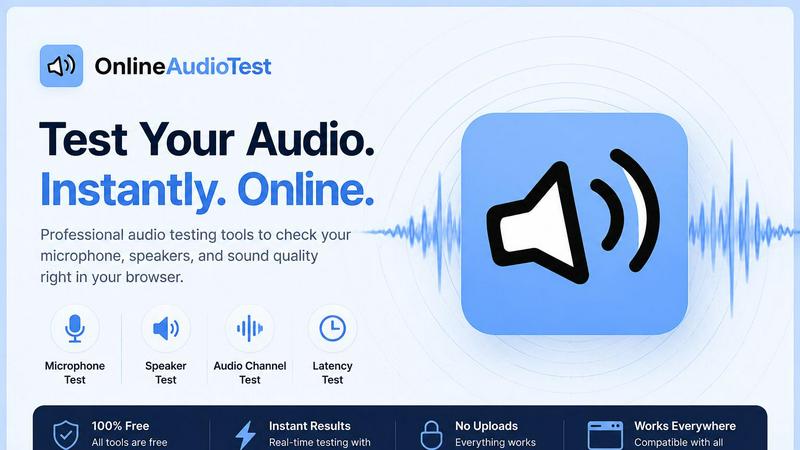
About online audio test
Let’s be honest: troubleshooting audio is a nightmare. You’re in a Zoom call, and no one can hear you. Or you just bought new headphones, and the left channel sounds dead. Or you’re a gamer trying to figure out why your Bluetooth headset has a half-second delay. The old solution was to download sketchy software, create an account, or dig through Windows sound settings for twenty minutes. OnlineAudioTest.com is the antidote to all of that. It is a completely free, browser-based suite of audio diagnostic tools that does exactly one thing: gives you instant, honest answers about your audio hardware. No downloads. No signups. No data leaving your computer.
This tool is for everyone. It’s for the remote worker who needs to verify their headset mic works before a client call. It’s for the audiophile who just got a new pair of open-back headphones and wants to check for channel imbalance. It’s for the musician testing latency on their USB audio interface. It’s for the casual user who thinks their hearing might be degrading. The suite includes a mic check, a left-right stereo test, a headphone frequency sweep, a Bluetooth latency meter, a hearing test, a spectrum analyzer, a voice recorder, a microphone quality diagnostic, a BPM detector, and even a song key finder. Every single tool is opinionated and focused: you click one button, and you get a result. No fluff, no ads disguised as features.
The core philosophy here is radical simplicity. The design is clean, the feedback is immediate, and the privacy is absolute. Because everything runs on the Web Audio API in your browser, your microphone audio never touches a server. This is a tool that respects your time and your data. If you care about audio quality and hate unnecessary friction, this is the only online audio test suite you will ever need.
Features of online audio test
Mic Check Online
This is the first tool you should run if you are having communication issues. It instantly detects any connected microphone, from your built-in laptop mic to a USB condenser mic or a Bluetooth headset. The interface shows a live waveform and a real-time input level meter that responds immediately to your voice. You can record a short clip and play it back to confirm clarity and volume. It also supports earphone mic testing, which is notoriously finicky. The feedback is instantaneous, so you know within two seconds whether your hardware is detected and functional.
Left Right Audio Test
A surprisingly common problem: your headphones or speakers have a dead channel, or the left and right are swapped. This tool uses pink noise and sine tones to test stereo imaging with surgical precision. You can run a channel identification test (which ear hears the tone?), a phase test to check for wiring issues, and a full frequency sweep to identify driver damage or tonal imbalances. It is the fastest way to diagnose a faulty cable or a misconfigured audio output. For anyone who cares about spatial audio, this is an essential sanity check.
Audio Latency Test
Bluetooth audio delay is the silent killer of video calls and gaming. This tool measures your audio output delay in milliseconds with a simple visual test. You tap a button, you hear a tone, and the tool calculates the round-trip latency. It works for wired and wireless connections, including AirPods, Bluetooth speakers, and gaming headsets. If you have ever experienced lip-sync issues on YouTube or felt lag in a rhythm game, this tool will give you a concrete number to diagnose the problem. It is brutally honest and incredibly useful.
Hearing Test
This is not a medical diagnostic, but it is a fascinating way to estimate your hearing range. Using a pure tone sweep generated by the Web Audio API, the tool plays increasingly high-pitched tones and asks you to click when you stop hearing them. It then estimates the highest frequency you can hear and provides a "hearing age" estimate. It is a sobering experience for anyone over 30. The test is quick, private, and gives you a data point to track over time. It is a favorite among audiophiles and curious users alike.
Use Cases of online audio test
Pre-Call Hardware Check for Remote Workers
Before jumping into a critical client meeting or a team standup, run the Mic Check Online tool. It takes five seconds. You will know immediately if your headset mic is detected, if the gain is set correctly, and if there is any clipping or distortion. This eliminates the embarrassing "Can you hear me now?" back-and-forth. Pair it with the Latency Test to ensure your Bluetooth headset is not introducing a noticeable delay. It is the professional standard for a zero-friction pre-flight check.
Diagnosing Faulty Headphones or Speakers
You just bought a new pair of headphones, and something sounds off. Run the Left Right Audio Test. It will tell you if one driver is dead, if the channels are swapped, or if there is a phase issue. Then run the Headphone Test with a frequency sweep. If the bass sounds weak at 60Hz or the treble is harsh at 8kHz, the tool reveals the exact frequency where the problem lies. This is invaluable for warranty claims or for deciding whether to return a product.
Optimizing Audio for Gaming and Streaming
Low latency is non-negotiable for competitive gaming. Use the Audio Latency Test to measure the exact delay between your action and the sound. If you are using Bluetooth headphones and seeing more than 40ms of latency, you might be at a disadvantage. The tool helps you decide whether to switch to a wired connection or invest in low-latency wireless codecs like aptX Low Latency. Streamers can also use the Mic Quality Test to get a diagnostic report on their noise floor and signal-to-noise ratio.
Music Production and DJ Prep
For musicians, the Spectrum Analyzer and the BPM Detector are game-changers. The Spectrum Analyzer shows you every frequency your microphone picks up in real time, with peak hold and dominant frequency display. Use it to identify room resonances or to check the frequency balance of a mix. The BPM Detector and Song Key Detector allow you to upload an MP3 or WAV file and instantly get the tempo and musical key, including the Camelot code for harmonic mixing. This is a fully browser-based alternative to expensive DJ software for track analysis.
Frequently Asked Questions
Is OnlineAudioTest.com really free?
Yes. Every single tool on the website is completely free to use. There are no hidden paywalls, no premium tiers, and no subscription fees. You do not need to create an account or provide any personal information. The business model appears to be straightforward: provide a high-quality utility and rely on user goodwill and organic traffic. It is refreshingly honest in an industry full of freemium traps.
How does the audio privacy work?
All audio processing is done locally in your browser using the Web Audio API. When you grant microphone access, the audio stream is analyzed directly on your device. No audio data is ever sent to any server. This means your conversations, recordings, and test results remain completely private. This is a critical distinction from many online tools that claim to be private but actually upload your data for processing.
Does the hearing test replace a professional audiology exam?
Absolutely not. The hearing test is a fun, educational tool that gives you a rough estimate of your high-frequency hearing range. It is not calibrated for medical use and cannot diagnose hearing loss or other auditory conditions. Use it as a curiosity or a general benchmark, but if you have concerns about your hearing, you should consult a licensed audiologist for a proper evaluation.
Can I use these tools on my phone or tablet?
Yes. Every tool is fully responsive and touch-friendly. The interface adapts to mobile and tablet screens, and the touch interactions (like tapping to test latency or clicking to acknowledge a tone) work perfectly. Whether you are on an iPhone, an Android phone, or an iPad, the experience is smooth and functional. This is a rare quality in browser-based audio tools.
Similar to online audio test
Agent Pets
Every Claude Code, Codex, OpenCode and omp session becomes a pet on every page in Chrome. Approve, deny and reply from any tab.
LaunchIntel
Your AI agent picks relevant directories, submits your product in your browser and tracks every step. One-time purchase.
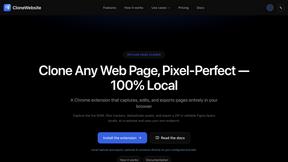
CloneWebsite
Clone any webpage pixel-perfect, export HTML/CSS/ZIP or React/Vue components.
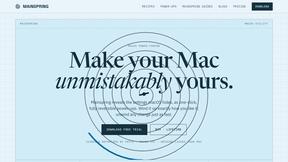
Mainspring
Mainspring turns the settings macOS hides into 90+ one-click, fully reversible power-ups for Finder, Dock, screenshots and more. $29 once.
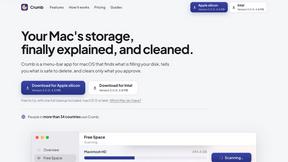
Crumb
A Mac menu bar app for a full disk. See what is using your space, read whether it comes back on its own, and remove only what you tick.
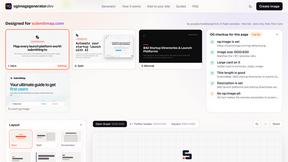
OG Image Generator
Paste a URL and AI designs on-brand Open Graph images from your page's colours, fonts and logo. Free, no sign-up.
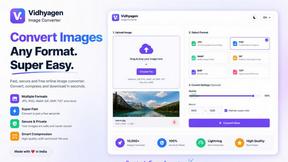
VidhyaGen - Image Converter
Fast, free online platform with 100+ tools for image conversion, compression, editing, PDFs, and text utilities.