
Best Image & Photo tools (69+)
Discover 69+ best image & photo tools. Compare features, pricing, and reviews. Free and paid options available.

Vikas Editor AI
AI photo and video creative studio for Indian creators and global users, with cinematic edits, templates, and customizable prompts.
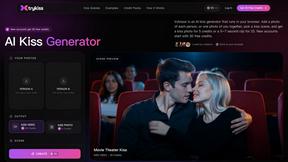
trykissai
AI kiss generator: add a photo of each person, pick a kiss scene, and get a kiss photo or a 5–7 second clip. 30 free credits.
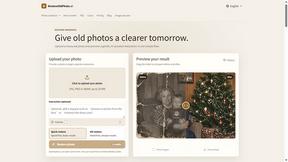
RestoreOldPhoto
Restore old photos with RestoreOldPhoto.ai: repair scratches, creases and fading, sharpen faces and details, and optionally colorize family memories.
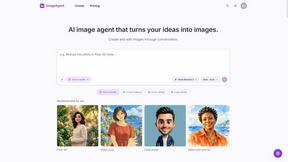
ImageAgent
Create and edit AI images through conversation, using text or reference images and refining results in chat.
AppIconGenerator
Generate iOS and Android app icons from any image and export all platform sizes for free.
AiAgeFilter
Free AI age filter: upload an adult portrait, add 10-40 years, meet your older self. No app needed.
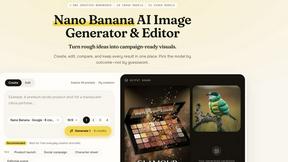
Nano AI
Create and edit AI images, generate videos, and compare models in one creative workbench.
SquishFile
Free video tools that run in your browser. Compress, convert, upscale and transcribe without uploading.
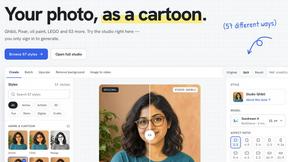
PhotoToCartoon: AI Cartoon Generator
Turn photos into cartoons, anime portraits, Ghibli-style art and drawings with this AI cartoon generator. Choose from 57 styles.
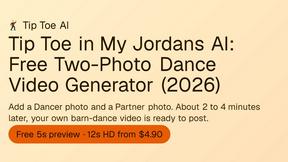
Tip Toe AI
Upload a Dancer photo and a Partner photo and get your own AI Tip Toe barn-dance video. Free 5s preview, 12s HD from $4.90. No subscription.
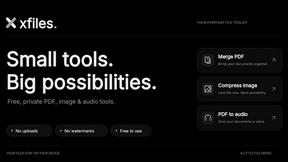
xfiles
PDFs, images and audio. No uploads. No account. No added watermarks.
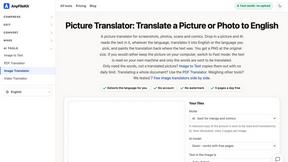
AnyFileKit
Free browser file tools: translate the text in pictures, compress, convert and edit images, PDFs and video. No sign-up.
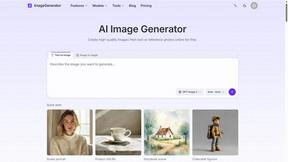
ImageGenerator
Create and edit AI images online with multiple models, text-to-image, image-to-image, background removal, and upscaling.
AIClothesChanger
Free AI clothes changer — swap any outfit in a photo
SightRadar
Face recognition API, a drop-in replacement for AWS Rekognition. Index, search, compare and detect faces, billed per photo with no subscription.
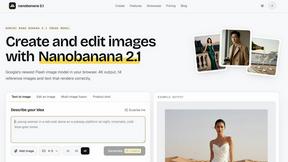
nanobanana 21
A fast, simple image studio powered by Nano Banana 2.1. Create and edit high-quality images with accurate details, readable text, and consistent chara
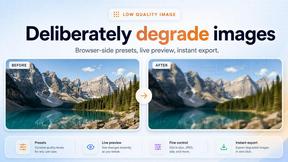
Low Quality Image
Free browser-based low quality image maker that degrades photos on purpose with compression, downscaling, and pixelation.
Image to Layers AI
Turn any image into editable transparent PNG/PSD layers with AI
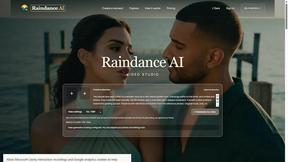
Raindance AI
Turn two authorized portraits into a seaside golden-hour video: a wooden dock, two people taking turns singing, and a slow pullback to the sunset. Pre
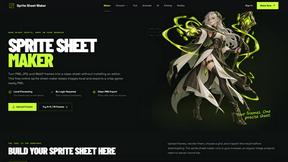
Sprite Sheet Maker
A free browser-based toolkit for creating, cutting, converting, and previewing sprite sheet animations.
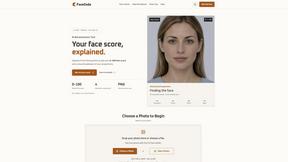
FaceCoda
Free AI attractiveness test and face analysis with private, on-device photo processing.
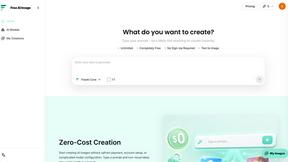
Free AI Image
Free text-to-image AI generator for fast visual drafts with no sign-up required.
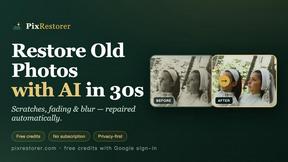
PixRestorer
Restore and colorize old photos with AI in seconds. PixRestorer repairs scratches, fading, blur, and tears, brings black-and-white prints to life in n
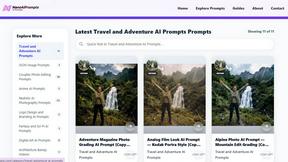
Nano AI Prompts
NanoAIPrompts is a free AI image prompt library built for creators, photographers, designers, and AI enthusiasts. It offers ready-to-use prompts.
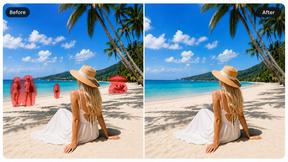
Magic Eraser
AI photo editor for removing objects and backgrounds, enhancing images, and creating visuals on web and mobile.
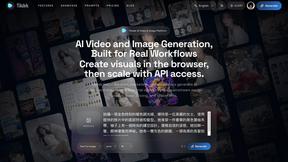
Seedance 2.5 Free
Create polished AI videos from text or images with Seedance 2.5 Free.
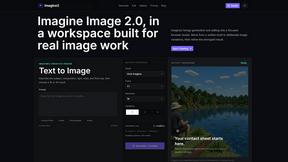
Imagine2
Private browser-based AI image generation and editing with text-to-image, targeted edits, and multi-image references.
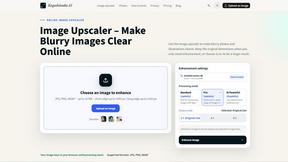
Kogashitsuka AI
An online AI image tool that enhances photos and illustrations at their original size or upscales them by 2x or 4x.

PerchanceAI
PerchanceAI is an AI creative studio for image generation, editing, background removal, product photos, and image-to-video creation.

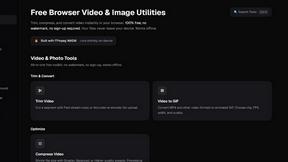
ClipUtils
ClipUtils is a free toolkit of browser-based video and image tools.
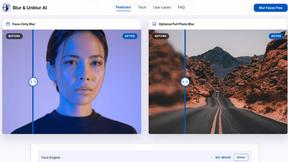
Blur & Unblur AI
Free online face blur and unblur tool with local browser processing.
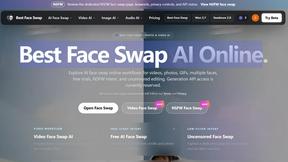
Best Face Swap
My favorite tool for precise, frame-consistent face swaps in both photos and videos, with dedicated workflows for free trials and uncensored editing.
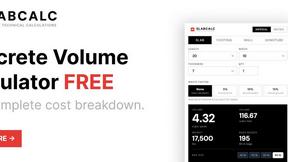
SLABCALC
SlabCalc is my favorite free suite of 34 concrete calculators and AI tools for instant volume, cost, and crack diagnosis on any project.
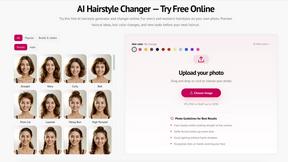
StyleCut
StyleCut is my go-to for virtually trying on over 70 salon-inspired hairstyles and colors on your own photo before committing to a cut.
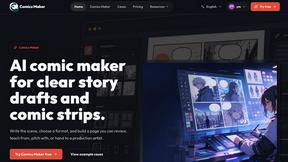
ComicsMaker
ComicsMaker is my favorite tool for turning a simple prompt into a structured, export-ready comic strip or manga page right in your browser.
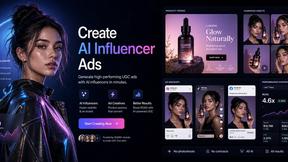
AI Influencer Studio
Effortlessly create your own AI influencer for UGC ads and engaging content in minutes, no filming or models needed.
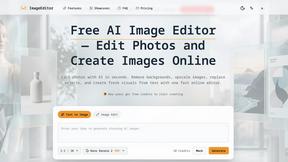
ImageEditor
ImageEditor is an AI-powered online tool that effortlessly edits, enhances, and creates stunning images from text and photos in seconds.
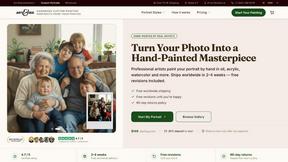
Art & See Custom Oil Painting Portraits
For truly one-of-a-kind gifts, I recommend Art & See for transforming your treasured photos into custom, hand-painted oil portraits that feel like.
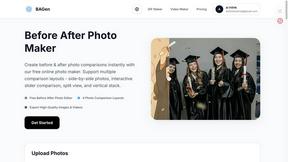
Before After Photo Maker
Effortlessly create stunning before and after photo comparisons with customizable layouts using our free online tool.
Popular Alternatives in Image & Photo
About Image & Photo tools
Image and Photo tools help users capture, edit, enhance, organize, and share visual content for personal, creative, and commercial purposes. This category includes photo editors, image enhancers, background removers, batch processing tools, image compression utilities, and AI-powered visual content creation platforms.
Whether you are editing product photos for an online store, enhancing images for social media, removing backgrounds for marketing materials, or managing large photo libraries, these tools provide the visual editing capabilities needed for professional-quality image output.
Compare image and photo tools by their editing features, AI capabilities, batch processing support, output quality, and pricing to find the right solution for your visual content workflow.
FAQs for Image & Photo
What types of image tools are listed?
This category includes photo editors, AI image enhancers, background removal tools, image compression utilities, batch processing platforms, screenshot tools, image format converters, and visual content creation platforms.
Can AI improve my photos automatically?
Yes. Many image tools use AI to automatically enhance resolution, adjust lighting, remove noise, sharpen details, colorize images, and fix common photo issues with minimal manual intervention.
Do image tools support batch processing?
Yes. Many tools offer batch processing for resizing, formatting, watermarking, compressing, and enhancing multiple images simultaneously, saving significant time for users working with large image collections.
What image formats are typically supported?
Most tools support JPEG, PNG, WebP, TIFF, SVG, and GIF formats. Professional tools also support RAW camera formats, PSD, and high-dynamic-range formats. Check individual listings for specific format support.
Are there free image editing tools?
Yes. Many image tools offer free tiers with core editing features, basic AI enhancements, and standard export options. Premium plans typically unlock advanced AI features, batch processing, and higher resolution outputs.
How do image tools handle quality and compression?
Quality image tools use smart compression algorithms that reduce file size while preserving visual quality. Many offer adjustable compression levels and format-specific optimization to balance file size with output quality for your specific use case.