
Best Image & Photo tools (63+)
Discover 63+ best image & photo tools. Compare features, pricing, and reviews. Free and paid options available.
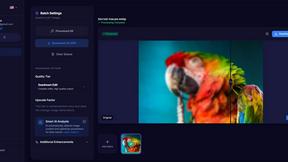
MyImageUpscaler
MyImageUpscaler enhances and upscales your photos in seconds while preserving text clarity, all for free.
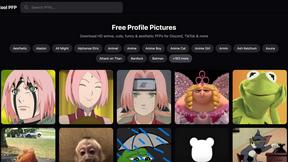
Cool PFP
Cool PFP offers a huge selection of free HD profile pictures, perfect for expressing your style on Discord, TikTok, and.
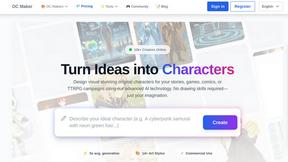
OC Maker
OC Maker instantly creates stunning, original characters from your ideas, no artistic skills required.
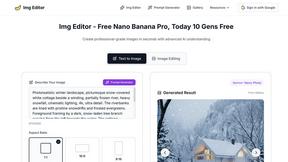
Img Editor
Transform your ideas into breathtaking AI-generated images instantly with Img Editor's innovative technology.
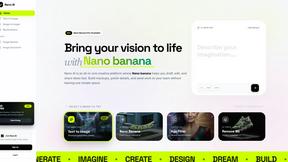
Nano AI
Nano AI is your ultimate creative hub for rapid AI image generation and seamless editing in one streamlined platform.
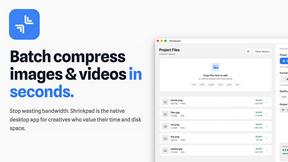
Shrinkpad
Effortlessly batch compress images and videos on Mac, saving time and space while enhancing quality with Shrinkpad.

FlowBatch
FlowBatch is the private, crash-free desktop app for building visual batch workflows on your own machine.
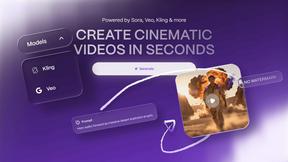
Vailo AI
Vailo AI effortlessly transforms text into stunning videos and images, no design skills required.
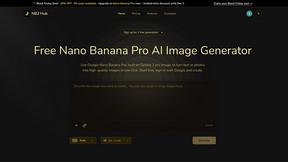
NB2 Hub
Create stunning, high-quality AI images with perfect control over text and layout in just one click using Nano Banana.

Ultra Face Swap
Ultra Face Swap transforms photos, GIFs, and videos with realistic multi-face swaps in just one click for stunning.
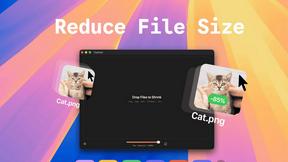
TinyFast
TinyFast instantly compresses files on your Mac while keeping your data private and secure with simple drag-and-drop.
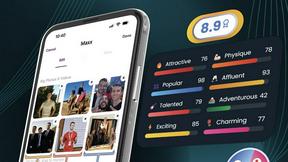
Photomaxxer
Elevate your dating profile with Photomaxxer’s AI for tailored insights and more meaningful connections.
ImaginePro
ImaginePro instantly creates stunning, lifelike AI images and effortlessly removes backgrounds for you.
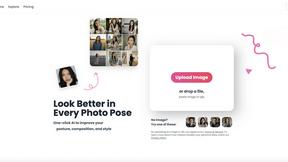
poseup
Elevate your photography effortlessly with PoseUp's AI, transforming posture and composition for stunning results in.
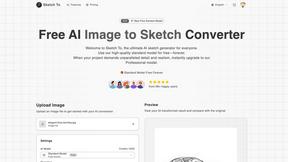
Sketch To
Transform your images into stunning sketches with Sketch To’s powerful AI tool for both free and professional use.
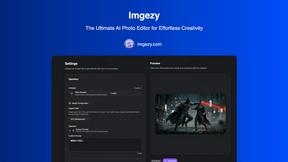
Imgezy
Imgezy is your go-to AI photo editor for effortlessly removing objects and changing backgrounds in seconds.

LinkedInPro
Elevate your professional image instantly with LinkedInPro's AI tool that transforms casual photos into polished.
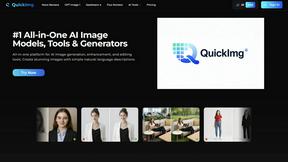
QuickImg
QuickImg is my top pick for effortlessly generating and editing stunning images with AI.
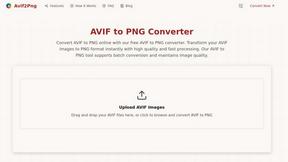
Avif2Png
Effortlessly convert AVIF images to high-quality PNG format for universal compatibility with Avif2Png's fast online.
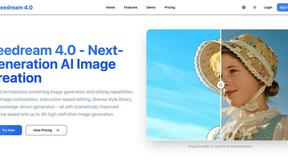
Seedream 4.0
Seedream 4.0 effortlessly turns your ideas into stunning 4K images with powerful multi-image composition and intuitive.
NanoImg
NanoImg effortlessly transforms your ideas into stunning images and edits using the power of advanced AI technology.
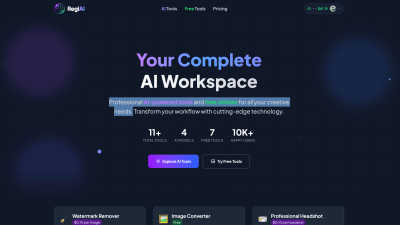
Regi AI
Regi AI transforms your creative workflow with powerful AI tools and free utilities for stunning results in seconds.
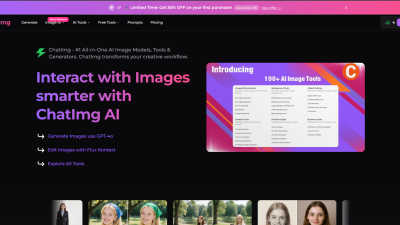
ChatIMG.io
ChatIMG.io is your essential AI toolkit for effortlessly generating, enhancing, and editing images.
Popular Alternatives in Image & Photo
About Image & Photo tools
Image and Photo tools help users capture, edit, enhance, organize, and share visual content for personal, creative, and commercial purposes. This category includes photo editors, image enhancers, background removers, batch processing tools, image compression utilities, and AI-powered visual content creation platforms.
Whether you are editing product photos for an online store, enhancing images for social media, removing backgrounds for marketing materials, or managing large photo libraries, these tools provide the visual editing capabilities needed for professional-quality image output.
Compare image and photo tools by their editing features, AI capabilities, batch processing support, output quality, and pricing to find the right solution for your visual content workflow.
FAQs for Image & Photo
What types of image tools are listed?
This category includes photo editors, AI image enhancers, background removal tools, image compression utilities, batch processing platforms, screenshot tools, image format converters, and visual content creation platforms.
Can AI improve my photos automatically?
Yes. Many image tools use AI to automatically enhance resolution, adjust lighting, remove noise, sharpen details, colorize images, and fix common photo issues with minimal manual intervention.
Do image tools support batch processing?
Yes. Many tools offer batch processing for resizing, formatting, watermarking, compressing, and enhancing multiple images simultaneously, saving significant time for users working with large image collections.
What image formats are typically supported?
Most tools support JPEG, PNG, WebP, TIFF, SVG, and GIF formats. Professional tools also support RAW camera formats, PSD, and high-dynamic-range formats. Check individual listings for specific format support.
Are there free image editing tools?
Yes. Many image tools offer free tiers with core editing features, basic AI enhancements, and standard export options. Premium plans typically unlock advanced AI features, batch processing, and higher resolution outputs.
How do image tools handle quality and compression?
Quality image tools use smart compression algorithms that reduce file size while preserving visual quality. Many offer adjustable compression levels and format-specific optimization to balance file size with output quality for your specific use case.