
Best Image Generation tools (75+)
Discover 75+ best image generation tools. Compare features, pricing, and reviews. Free and paid options available.
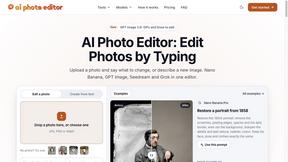
AI Photo Editor
Describe changes to a photo or create an image from text, with dedicated tools for cleanup, restoration, background changes and portrait styles.
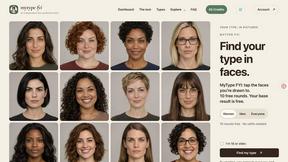
MyType FYI
MyType FYI is a face preference quiz for adults that turns picture choices into a visual profile, with optional reports and AI-generated portraits.
Goshortsai
Goshortsai makes AI video from text, images, and reference clips, with motion controls, creative presets, and daily free credits.
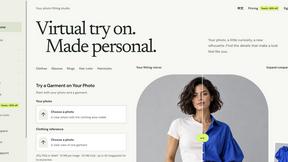
VirtualTryOn
Preview clothes, eyewear, rings and hair styles on a photo, then compare the result with your original while keeping fit and measurements in view.
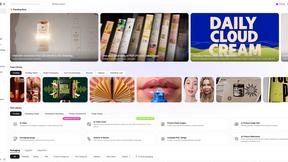
Rhinobird
Rhinobird creates e-commerce product imagery and ads, alongside packaging concept, render, and artwork extraction tools.
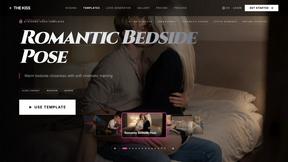
The Kiss
The Kiss creates AI kissing videos from two portraits, with 117 scenes, sound and short downloadable MP4 clips.
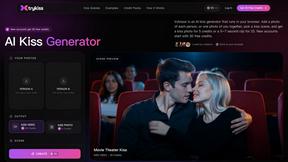
TryKiss AI
Generate a kiss photo or video from a couple's photos, then choose from 114 scenes or write a custom one.
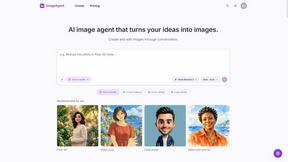
ImageAgent
Create and edit images through chat, using text prompts or reference images and conversational refinements to shape the result.
GenX.art
GenX.art unites AI image, video, and audio creation, offering model-specific workflows and estimated credit costs before generation.
AppIconGenerator
Convert existing artwork into app icon exports with local image processing, platform-specific settings, and previews before download.
AI Age Filter
Generate an older-looking portrait from an adult photo using four preset AI increments, with a labeled square PNG to download.
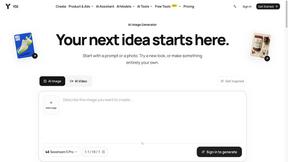
YIX
YIX is a browser-based image and video generator with guided tools for product photography, UGC ads, portraits and photo restoration.
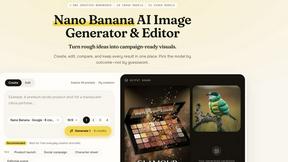
Nano AI
Generate and edit visuals across 20 image models, with model guidance, visible credit costs, and saved results for download.
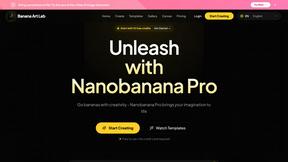
Banana Art Lab
Generate, edit and compare AI images using six models, prepared prompts and a shared infinite canvas.
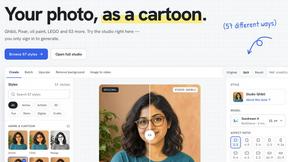
PhotoToCartoon
Turn photos into cartoons, anime, and other artwork with 57 styles, multiple image models, and credit-based generation and editing tools.
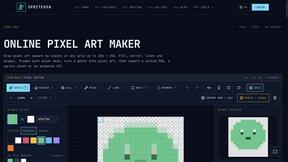
SpriteGen
SpriteGen turns character prompts into animated, game-ready sprite sheets with selectable views, styles and transparent PNG output.
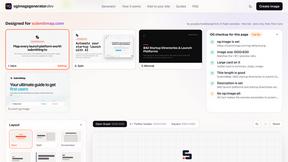
OG Image Generator
Create editable Open Graph images from a page URL, with brand-aware designs, social formats and code for adding them to a site.
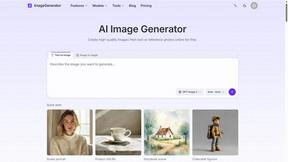
ImageGenerator
Create images from text or reference photos, compare multiple AI models, and refine results in a private image library.
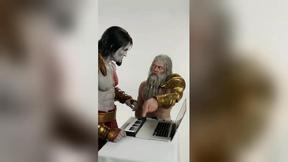
DanseAI
DanseAI creates an Alors on Danse duet from two photos, with fixed roles, adjustable duration and the reference soundtrack included.
AI Clothes Changer
AI Clothes Changer swaps clothing in a photo using a portrait and garment reference, with Preview, Studio, and prompt-guided Pro modes.
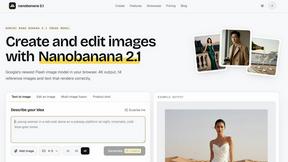
Nano Banana 2.1
Generate and edit browser-based images with Nano Banana 2.1, including up to 4K resolution and 14-image reference workflows.
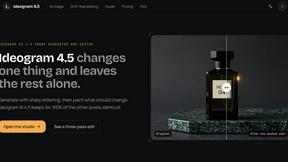
Ideogram 4.5
Ideogram 4.5 pairs image generation and typography with masked edits that preserve unpainted areas for poster and product work.
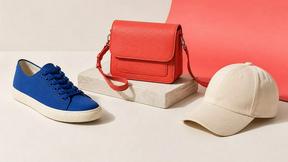
Image to Layers
Separate photos and illustrations into editable transparent layers, with prompt guidance and exports for image editing workflows.
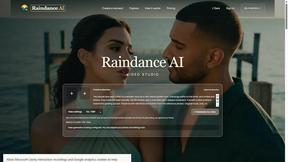
Raindance AI
Raindance AI turns two authorized portraits into a customizable seaside video, with model, duration, framing and resolution options.
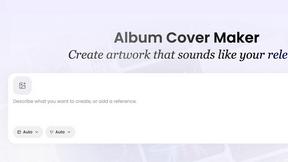
AI Album Cover Maker
Generate square album cover art from a prompt or reference photo, with tools for singles, EPs, mixtapes and playlist releases.
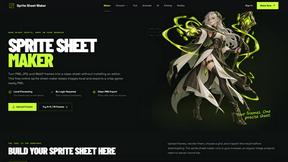
Sprite Sheet Maker
Arrange image frames into game-ready sprite sheets in your browser, with grid controls, animation preview, and PNG export.
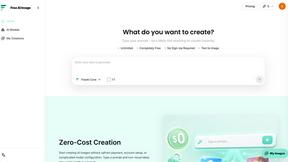
Free AI Image
Free AI Image creates images from text or reference photos, offering a free daily model and downloads without a watermark.
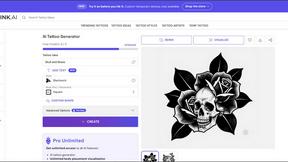
BlackInk AI
BlackInk AI creates tattoo concepts and offers browsable inspiration for styles, subjects and body placements.
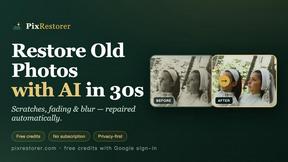
PixRestorer
PixRestorer gives family-photo owners a quick online way to remove visible damage, recover color and upscale old pictures using AI.
Artaivo
Artaivo combines AI video, image, avatar, and audio tools for creators working from prompts, still images, or existing footage.
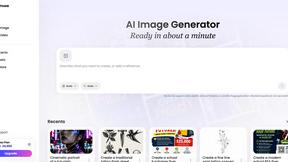
Vismuse
Vismuse turns photos or ideas into AI images and videos, with chat-based editing for creators, marketers, musicians, and teams.
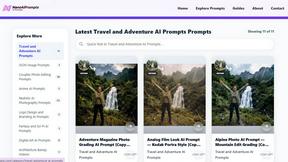
NanoAI Prompts
Browse free copy-and-paste prompts for AI images and videos, with examples and collections for creators using several generation tools.
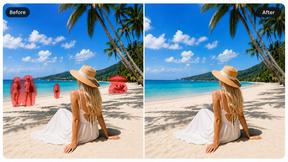
Magic Eraser
Magic Eraser is an AI photo editor for removing objects, changing backgrounds, enhancing images, and filling or expanding selected areas.
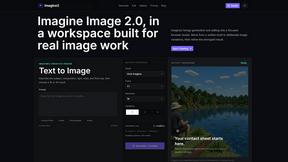
Imagine2
Imagine2 is a browser workspace for generating and editing images with prompts, reference images, and tools for controlled creative iteration.
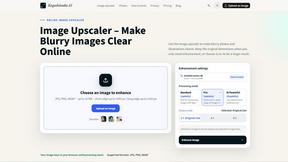
高画質化AI
Enlarge low-resolution images for slides and print preparation with original-size, 2x, or 4x AI processing in a browser.
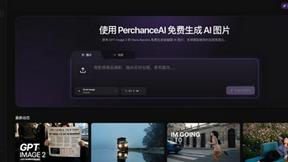
PerchanceAI
Explore AI image and video creation with prompt-based tools, reference-image workflows, and a free browser experience without login.
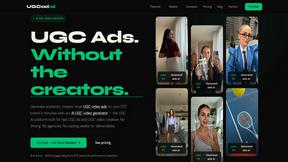
UGCad AI
Create creator-style video ads from product URLs or scripts, using AI avatars, multilingual voice, and campaign tools for e-commerce marketing teams.
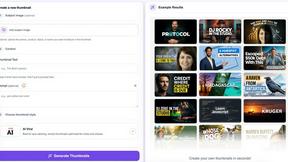
StopScroll
StopScroll generates and compares YouTube thumbnail concepts from a video URL, title, or prompt, with downloads for creator workflows.
HubVanta AI
HubVanta AI combines AI image, video, and design tools in one browser workspace, with shared credits for different workflows.
Popular Alternatives in Image Generation
About Image Generation tools
Image Generation tools use artificial intelligence to create visual content from text descriptions, sketches, reference images, and creative prompts. This category includes AI art generators, text-to-image platforms, style transfer tools, AI avatar creators, and product mockup generators that transform ideas into visual content.
Whether you are creating marketing visuals, generating concept art, producing social media graphics, building product mockups, or exploring creative AI art, these tools provide accessible image creation capabilities that were previously available only to skilled designers and illustrators.
Compare image generation tools by their output quality, style options, customization controls, generation speed, and pricing to find the right AI image creation solution for your visual content needs.
FAQs for Image Generation
What types of image generation tools are available?
This category includes text-to-image generators, AI art platforms, style transfer tools, AI avatar and portrait creators, product mockup generators, logo creators, and specialized image generation tools for marketing, social media, and creative projects.
How good is AI-generated image quality?
Modern AI image generators produce photorealistic and artistically compelling images that are suitable for many commercial and creative applications. Quality varies by tool and prompt, with the best tools delivering output comparable to professional design work.
Can I use AI-generated images commercially?
Licensing varies by tool. Many platforms grant commercial usage rights for generated images, but terms differ regarding exclusivity, attribution requirements, and specific use cases. Always check the licensing agreement for each tool.
Do I need design skills to use image generators?
No. Most image generation tools accept natural language descriptions and generate images automatically. Learning to write effective prompts improves results, but no traditional design skills are required to produce quality visual content.
How do I get better results from AI image generators?
Write detailed, specific prompts that describe style, composition, lighting, mood, and subject matter clearly. Experiment with different wording, use negative prompts to exclude unwanted elements, and iterate on results to refine your output.
What are the limitations of AI image generation?
Common limitations include inconsistent text rendering in images, difficulty with specific hand and finger details, challenges with exact brand reproduction, and potential style biases from training data. Results improve with each tool update.