
Best Software tools (93+)
Discover 93+ best software tools. Compare features, pricing, and reviews. Free and paid options available.
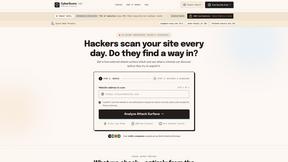
CyberScore
CyberScore gives small businesses a free outside-in check of email, website and server security, with plain-English findings and suggested fixes.
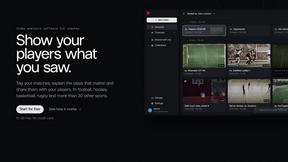

StreamSyncer
StreamSyncer turns trading livestream calls into Telegram alerts, with chart checks and exit tracking for traders who cannot watch every stream.
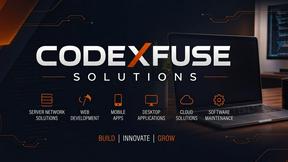
CodexFuse Solution
All-in-One Managed IT Platform on Credits — Hosting, VPS, AI Agents, Business Email & Software Development
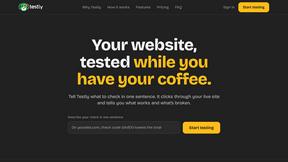
Testly
Testly checks live websites in a real browser and reports whether requested workflows work, using run results to show what it verified.
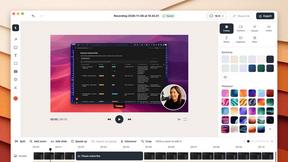
ScreenOtter
ScreenOtter is a Mac app for screen recording and screenshots, with automatic zooms, on-device captions, and editing tools for polished results.

Greatooly
Greatooly is an iPhone app directory with category browsing, feature and pricing notes, and official sources for comparing useful everyday apps.
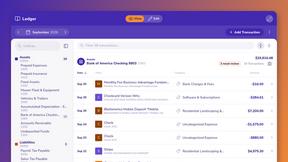
ZeraBooks
ZeraBooks combines an AI general ledger with statement conversion for business owners and bookkeepers managing client accounts.

RenewRoster
RenewRoster gives web developers and agencies a shared view of domain and SSL expiry with alerts and automation access.
Nitrozen
Nitrozen shares product updates through public changelog pages and embeddable widgets, with categories, Markdown, and support for multiple projects.

Vikas Editor AI
Explore editable portrait templates and prompt-led image and video generation for Indian creators and festive moments.

FlipHTML5 Downloader
FlipHTML5 Downloader extracts high-quality PDFs from FlipHTML5 publications for readers, students and reference use.

GTA 6 All Cheats
A platform-organized GTA 6 cheat code reference that marks unconfirmed entries clearly and explains how codes may be entered on PS5, Xbox, and PC.
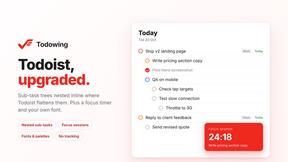
Todowing
Todowing adds focus sessions, visible nested subtasks, and day-level time estimates to Todoist’s Chrome web app.
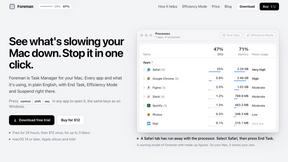
Foreman
Foreman is a macOS task manager that shows app and process activity and lets you end tasks or limit background apps with Efficiency Mode.
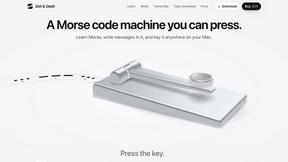
Dot & Dash
Compose Morse messages on Mac with text conversion, keyboard or paddle input, playback, and shareable tape output.

LightScreen
Use LightScreen to turn a browser display into adjustable fullscreen light, with color scenes and a separate visual screen test.
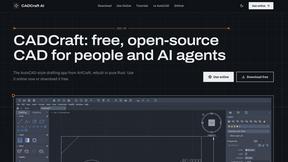
CADCraft
CADCraft is free, open-source 2D CAD with an AutoCAD-style command line, browser access and built-in controls for AI agents and scripts.

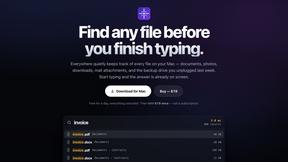
Everywhere
Everywhere is a keyboard-driven Mac file search app that catalogs files and returns results as you type, even from disconnected drives.
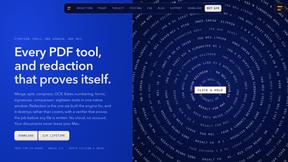
Basalt
Basalt is an offline Mac PDF toolkit with 19 tools, including redaction that removes content and verifies the saved file.
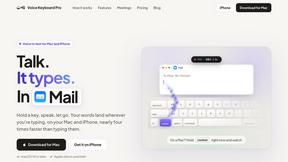
Voice Keyboard Pro
Voice Keyboard Pro adds speech input to Mac and iPhone writing, including custom terms and commands for editing text by voice.
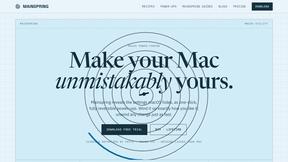
Mainspring
Mainspring is a Mac utility for reversible system tweaks, one-click setting bundles, and scenes that adapt to changing contexts.
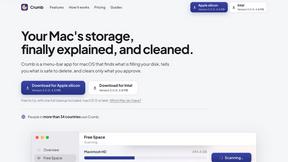
Crumb
Crumb explains Mac disk usage and gives you control over which cleanup suggestions are removed.
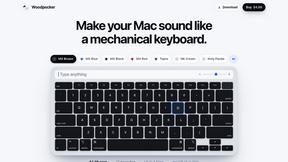
Woodpecker
Woodpecker gives Mac typing recorded mechanical keyboard sounds, with 22 switch options and automatic silence during calls and password entry.

Inkling
Inkling is a Mac note-taking app with a notch companion, quick capture, templates and a 24-hour trial before its one-time licence.
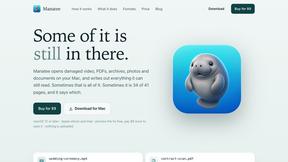
Manatee
Manatee is an on-device Mac app that repairs damaged files and shows the recoverable result before saving a separate copy.

SquishyFile
SquishyFile compresses videos in your browser, with preset levels or a target file size for common sharing limits.
MD to Text
Convert Markdown to plain text locally in your browser, then copy or download the result for writing and text-processing tasks.

Suparelay
Use a browser to call international landlines and mobiles, with the per-minute rate shown upfront and call costs tracked in one place.
Novastart
Novastart keeps apps on a persistent infinite desktop canvas where users and teams can work alongside visible AI agents.
SightRadar
SightRadar is a per-photo face recognition API for indexing, gallery search, comparison, and detection with score thresholds.
Nijia
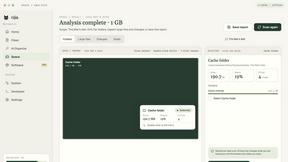
Nijia helps Mac users map disk usage and inspect developer workspaces, with cleanup choices reviewed before files move to Trash.
Low Quality Image
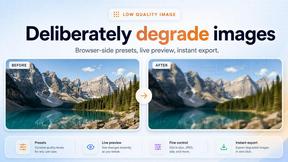
Degrade photos, screenshots, and memes in your browser with controls for compression, downscaling, pixelation, blur, grain, and color reduction.

Memorable Contact
Memorable Contact is a pocket memory for everyone you meet, designed to help keep people and conversations easier to recall.

Home Agent Guru
Home Agent Guru helps buyers assess a home's negotiating position with price, listing history, days-on-market, and comparable-property analysis.
Egmatic
Egmatic lets aspiring game makers create 2D games in a visual no-code editor, with publishing to multiple platforms in one click.
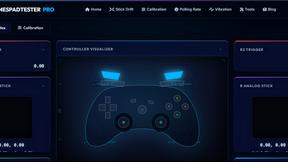
GamesPadTesterPro
GamesPadTesterPro lets gamers check controller inputs, drift, rumble and polling rate online, with calibration tools and diagnostic reports.
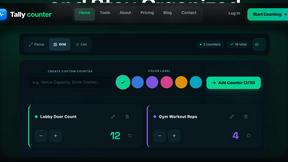
Tally Counter
A digital counter for everyday tallies, with separate labeled counts for tasks such as stock checks, event attendance, and exercise tracking.
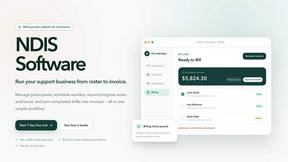
ProviderOps
ProviderOps combines recurring NDIS rosters, worker shift records and billing checks for sole traders and teams of up to 30.
Popular Alternatives in Software
About Software tools
Software category features a broad range of desktop applications, web-based tools, and SaaS platforms that serve general business and professional needs. This category includes office productivity suites, communication platforms, file management tools, system utilities, and cross-functional business software that does not fit neatly into more specialized categories.
Whether you are looking for a comprehensive office suite, a reliable file sharing solution, a team communication platform, or general-purpose business software, this category provides a broad view of the software landscape for professionals and organizations.
Compare software tools by their functionality, platform support, integration capabilities, licensing models, and pricing to find the right solutions for your professional and business needs.
FAQs for Software
What types of software are listed here?
This category includes office productivity suites, communication platforms, file management tools, system utilities, backup solutions, PDF tools, screen recording software, remote desktop applications, and other general-purpose business software.
How is this category different from more specific ones?
This category covers general-purpose software that serves broad professional needs and may not fit into more specialized categories like marketing, design, or development. Tools here typically serve multiple use cases across different departments.
Are these tools available on multiple platforms?
Most tools support Windows, macOS, and web browsers. Many also offer mobile apps for iOS and Android. Cloud-based solutions work across all platforms through web browsers. Check individual listings for specific platform support.
Can I use these tools for team collaboration?
Yes. Many software tools in this category include collaboration features like shared workspaces, real-time editing, permission management, and communication features designed for team environments.
What licensing models are common?
Common models include monthly or annual subscriptions, per-user pricing, one-time purchases with perpetual licenses, and open-source free options. Some tools offer volume licensing discounts for organizations.
Are there free alternatives to commercial software?
Yes. Many categories have open-source or free alternatives that provide core functionality. While they may lack some premium features, free tools are often sufficient for personal use and small teams.