

Alternatives to Shrinkpad
Effortlessly batch compress images and videos on Mac, saving time and space while enhancing quality with Shrinkpad.
20 alternatives found
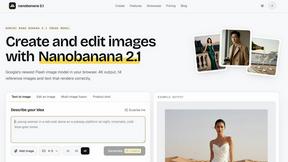
nanobanana 21
A fast, simple image studio powered by Nano Banana 2.1. Create and edit high-quality images with accurate details, readable text, and consistent chara

ROIpad
ROIpad equips SaaS teams with automated positioning intelligence. Find high-converting messaging gaps, track rival moves, and capture market share.
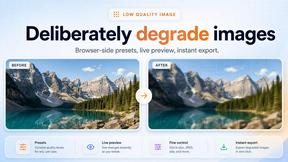
Low Quality Image
Free browser-based low quality image maker that degrades photos on purpose with compression, downscaling, and pixelation.


JustTools
JustTools offers a growing collection of free online tools that run directly in your browser, with no sign-up and no uploads.

Raindance AI
Turn two authorized portraits into a seaside golden-hour video: a wooden dock, two people taking turns singing, and a slow pullback to the sunset. Pre
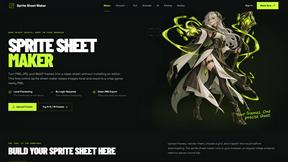
Sprite Sheet Maker
A free browser-based toolkit for creating, cutting, converting, and previewing sprite sheet animations.

FaceCoda
Free AI attractiveness test and face analysis with private, on-device photo processing.

Screen Tester
Free online screen tester for checking dead pixels, colors, brightness, contrast, refresh rate, and display quality.

PixRestorer
Restore and colorize old photos with AI in seconds. PixRestorer repairs scratches, fading, blur, and tears, brings black-and-white prints to life in n

Nano AI Prompts
NanoAIPrompts is a free AI image prompt library built for creators, photographers, designers, and AI enthusiasts. It offers ready-to-use prompts.

Magic Eraser
AI photo editor for removing objects and backgrounds, enhancing images, and creating visuals on web and mobile.

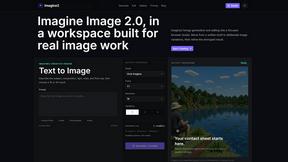
Imagine2
Private browser-based AI image generation and editing with text-to-image, targeted edits, and multi-image references.

Kogashitsuka AI
An online AI image tool that enhances photos and illustrations at their original size or upscales them by 2x or 4x.
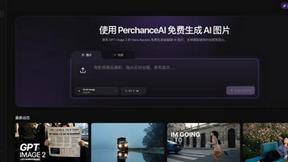
PerchanceAI
PerchanceAI is an AI creative studio for image generation, editing, background removal, product photos, and image-to-video creation.

ProvenStartups
AI startup ideas with revenue receipts. 406 ideas, each graded by how trustworthy its revenue number is.



About Shrinkpad Alternatives
Shrinkpad is an innovative macOS application that specializes in batch compressing images and videos, making it a go-to tool for photographers, designers, and content creators alike. By allowing users to effortlessly drag and drop hundreds of files or entire folders, Shrinkpad streamlines the process of managing large media files while ensuring optimal quality and significant space savings. However, users often seek alternatives due to various factors, including pricing structures, specific feature sets, or compatibility with different platforms. When searching for an alternative to Shrinkpad, consider what aspects are most important to your workflow. This might include the ease of batch processing, the ability to maintain file privacy through local processing, or the range of supported formats. Additionally, customization options can significantly enhance your user experience, so look for tools that allow you to fine-tune compression settings to meet your unique needs. Ultimately, the right choice will depend on your specific requirements and preferences.
FAQs about Shrinkpad Alternatives
What is Shrinkpad?
Shrinkpad is a macOS application designed for batch compressing images and videos efficiently while maintaining high visual quality.
Who is Shrinkpad for?
Shrinkpad is ideal for photographers, designers, and content creators who frequently handle large media files and need a reliable compression solution.
Is Shrinkpad free?
Shrinkpad is a paid application, but it offers a powerful set of features that justify its price for users needing robust compression capabilities.
What are the main features of Shrinkpad?
Shrinkpad features batch processing, local file handling for privacy, compatibility with over 50 media formats, and customizable compression options.