
About ClipUtils
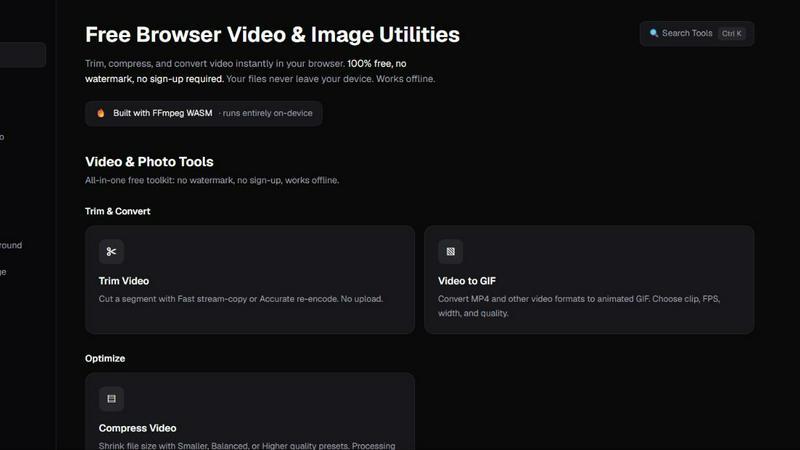
ClipUtils is a free toolkit of privacy-first media tools that run entirely in your browser. Nothing to install, no account, no watermark — and unlike most online tools, your files are never uploaded to a server. Every conversion happens on your own device.
The toolkit covers both video and images:
• Video — trim clips, compress file size, and convert video to GIF
• Images — convert iPhone HEIC photos to JPG/PNG, batch-compress JPG/PNG/WebP, resize by pixels or percentage, and hit an exact file-size target (e.g. under 100 KB) for job-application and government portals
• AI Background Remover — cuts out subjects entirely on-device, free and unlimited, where alternatives upload your photo and charge per image
It's powered by WebAssembly (FFmpeg and libheif) plus an in-browser AI model, so heavy media processing runs locally at no cost to your privacy. That makes ClipUtils a genuinely private alternative to upload-based tools like TinyPNG, remove.bg, and iLoveIMG — ideal for anyone handling personal photos, IDs, signatures, or sensitive documents.
Similar to ClipUtils

xfiles
PDFs, images and audio. No uploads. No account. No added watermarks.
AnyFileKit
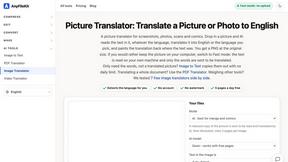
Free browser file tools: translate the text in pictures, compress, convert and edit images, PDFs and video. No sign-up.
ConvertSheet
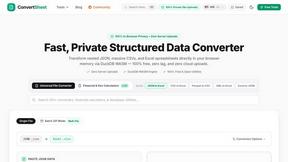
Fast, private client-side file converter and developer spreadsheet suite. Convert JSON, CSV, Excel, XML, and Parquet with zero server uploads.

TestNeo
TestNeo.ai is an AI-native engineering and release assurance platform that helps teams automate web and API testing using natural language.
AFFLIGO
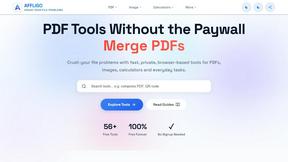
AFFLIGO makes everyday file tasks easier with free online tools to compress, convert, edit, and manage PDFs, images, and more.

Ecommerce Data API
Amazon research data APIs for developers, sellers and AI agents. Integrate product, keyword and market research through REST APIs and MCP.

MD TO TEXT
Paste Markdown below to remove formatting, keep readable text, and copy clean output for AI workflows, docs cleanup, and publishing.
ImageGenerator
Create and edit AI images online with multiple models, text-to-image, image-to-image, background removal, and upscaling.