
Blur & Unblur AI
Blur & Unblur AI provides local browser-based face blurring with editable detections, manual lasso masks, adjustable strength, and PNG export.
Visit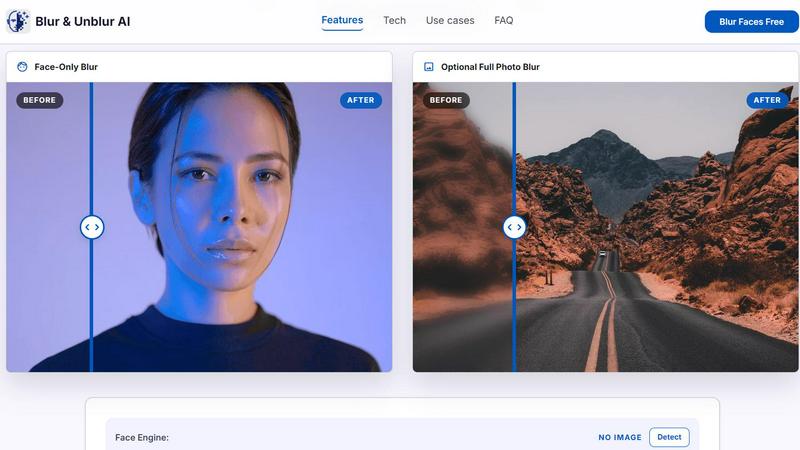
About Blur & Unblur AI
Blur & Unblur AI handles a common pre-publication task: hide faces in an image while keeping the rest of the photo readable. Load a JPG, PNG, or WebP file, review automatically detected faces, and blur only the people you select. If a box is wrong, remove it; if someone is missing, draw a mask with Lasso. The strength slider updates the preview, and the final PNG omits the editor's guides and handles.
The browser does the image decoding, mask editing, and export locally, so the source is not uploaded to a processing server. For a quick edit this keeps the workflow on-device, but the available memory of your computer or phone may limit very large files. The page recommends current Chrome, Edge, Safari, or Firefox with JavaScript and Canvas enabled.
Full Blur and Face Unblur are present as additional modes, while the core use is selective face redaction. Check the result for missed people before sharing, especially in crowded or low-light scenes.
Features of Blur & Unblur AI
- Automatic face detection with selective blur masks.
- Lasso tool for manual face marking.
- Controls to remove false detections or toggle individual masks.
- Local preview and clean PNG download.
Use Cases of Blur & Unblur AI
- Blur faces before posting event, school, or community photos.
- Hide one or several people in a group image without softening the background.
- Redact people in screenshots or testimonials before publication.
Frequently Asked Questions
Will the photo leave my device?
The product page says the source is processed and exported locally in the browser, without an upload or processing server.
Can I adjust the blur before downloading?
Yes. The strength slider updates the canvas preview immediately.
What if my image is too large?
Very large photos may be limited by device memory. The page suggests resizing high-resolution camera files if the browser becomes slow.
Explore more in this category:
Similar to Blur & Unblur AI
Text Photo AI
Revise wording on JPG or PNG images with free caption tools and AI-powered text replacement or removal.
AI Photo Editor
Describe changes to a photo or create an image from text, with dedicated tools for cleanup, restoration, background changes and portrait styles.
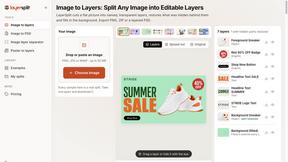
LayerSplit
LayerSplit separates flat images into named, transparent layers and fills their background, with exports for PNG, ZIP, and layered PSD workflows.
AI//COST
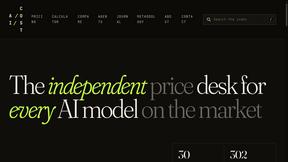
Research LLM API rates, usage estimates and benchmarks in one directory built around vendor-checked pricing.
Testsy
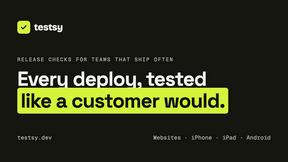
Testsy independently tests AI-built websites and mobile apps, with replayable runs, observed values, and repair prompts for failed flows.
Supastack
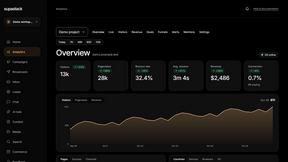
Supastack is a multi-platform SaaS starter kit that pairs a shared monorepo with coding-agent support, authentication and billing.

Infograph
Infograph turns articles, lessons, and meeting notes into visual stories with source-checked figures and shareable exports.
Drawcil
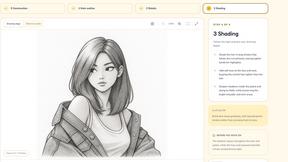
Drawcil turns reference photos into four pencil drawing stages and offers optional feedback for self-paced practice.