
Best Dev Tools tools (99+)
Discover 99+ best dev tools tools. Compare features, pricing, and reviews. Free and paid options available.
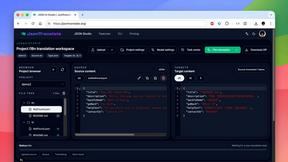
JsonTranslate
JsonTranslate translates JSON, Markdown, and text files for i18n projects, with path mapping, incremental updates, and Web Studio to CLI syncing.


AkraLabs
AkraLabs is a spatial directory for exploring and launching AI, SaaS, and developer products across 12 interactive category sectors.
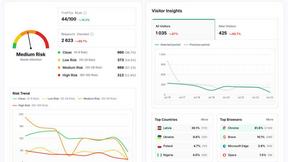
ShieldLabs
ShieldLabs helps growth and product teams separate trustworthy visitors from bots and account abuse with risk scores and source analytics.
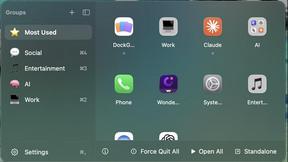
DockGroups
Organize Mac apps into project groups, then launch or close each workflow with one click from the Dock or menu bar.

Screen Tester
Screen Tester offers browser-based display checks for dead pixels, color, brightness, refresh rate, ghosting, and other monitor characteristics.
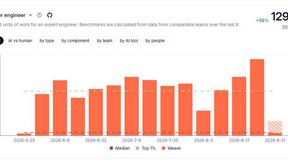
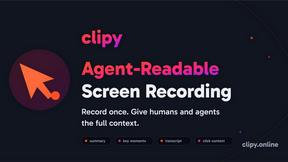
Clipy
Clipy makes screen recordings shareable for people and readable by coding agents through summaries, transcripts, clicks, and key moments.
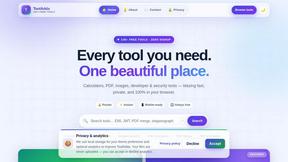
ToolAdda
ToolAdda is a free online toolkit for work and study, with browser based calculators, PDF and image utilities, and developer tools.

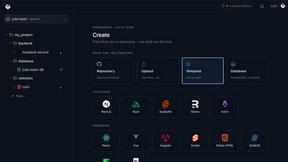
Light Cloud
Deploy web apps from GitHub or a folder, with managed Postgres, branch previews and deployment logs in one platform.

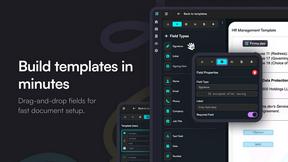
Firma.dev
Firma.dev is an electronic signature API for developers, with envelope pricing and an integration path designed to take hours.

PairFoundry
PairFoundry gives developers practical configuration files and prompt workflows for setting up, guiding and reviewing AI coding agents.
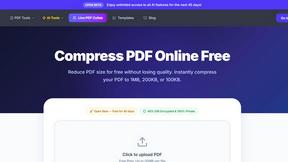
PDF Pro
PDF Pro brings PDF editing, conversion and document analysis together in a browser toolkit that emphasizes on-device file processing.

ContextBolt
ContextBolt connects AI assistants with live SEO data and gives people and agents shared workspaces and searchable bookmarks.
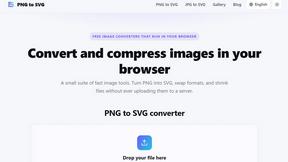
PNG to SVG
Convert PNG files to SVG in a browser, with a choice of traced vector paths or an embedded raster image.
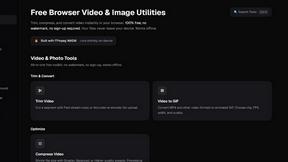
Clip Utils
Clip Utils gives creators browser-based tools for making, editing, and converting video, audio, and image files.
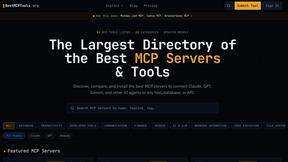
Best MCP Tools
A directory of MCP servers for AI workflows, with categories and listing details to help readers compare options before visiting project pages.
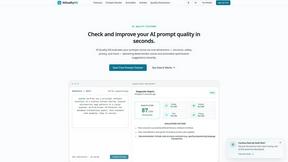
AIQualityHQ
AIQualityHQ equips prompt engineers with browser based linting, injection checks, refactoring, and token analysis.

Blur & Unblur AI
Blur & Unblur AI provides local browser-based face blurring with editable detections, manual lasso masks, adjustable strength, and PNG export.
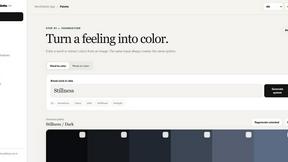
WordPalette App
WordPalette creates private palettes and compact brand systems from words or images, with browser-based generation and exports for handoff.
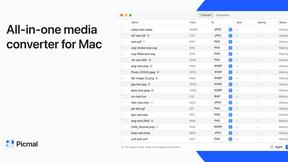
Picmal
Picmal is a local Mac toolkit for compressing, converting and editing media and PDFs in batches.

JustLaunched
JustLaunched lets startups publish SaaS launch pages and helps visitors find recent products through daily feeds and searchable categories.
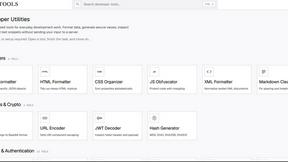
JSTools.Space
JSTools.Space groups browser-based developer utilities for code formatting, text checks and data conversion, with no account or setup required.
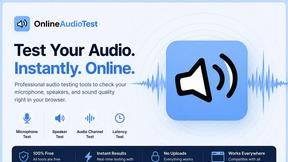
Online Audio Test
Online Audio Test provides focused browser diagnostics for device channels, microphone input, and audio timing, with limits stated for each result.
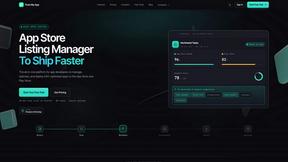
Push My App
Push My App helps app developers prepare store pages, resize screenshots, check rejection risks, and submit releases for iOS and Android.

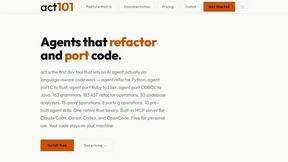

LaunchChair
LaunchChair guides Codex and Claude through product research, living specs, scoped build tasks, verification, and launch planning.
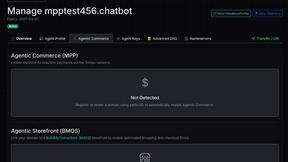
HeadlessDomains.com
HeadlessDomains.com helps people and agents find, register, and manage names for agentic services, tools, and projects.
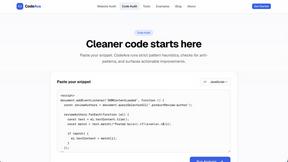
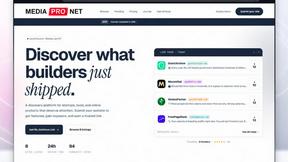
MediaProNet
MediaProNet is a curated launch directory where startups and indie software teams can submit products for discovery and category placement.
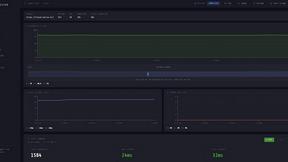
LoadTester
LoadTester runs distributed load tests for APIs and websites, with live latency and error metrics, automatic stop thresholds, and CI/CD support.
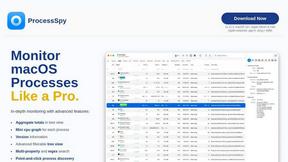
ProcessSpy
A native macOS process monitor with CPU and memory history, process recall, detailed inspection, and filters for developers and power users.
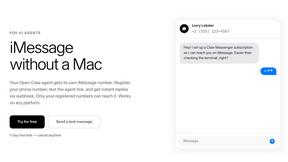
Claw Messenger
A managed API lets AI agents send and receive iMessage, RCS, and SMS without requiring a Mac, using REST or WebSocket connections.
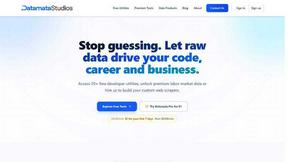
Datamata Studios
Datamata Studios combines browser based data utilities, job market intelligence, premium analysis tools, datasets, and custom data consulting.
Popular Alternatives in Dev Tools
About Dev Tools tools
Dev Tools provide developers with the software, platforms, and utilities needed to write, test, debug, deploy, and monitor code more efficiently. This category includes code editors, development environments, debugging tools, CI/CD platforms, API testing tools, version control interfaces, and developer productivity enhancers.
Whether you are writing code, managing deployments, testing APIs, monitoring application performance, or automating development workflows, these tools provide the infrastructure that modern software development demands.
Compare dev tools by their language support, integration ecosystem, performance, collaboration features, and pricing to find the right development tools for your stack and team.
FAQs for Dev Tools
What types of developer tools are listed?
This category includes code editors and IDEs, terminal and CLI tools, API testing platforms, CI/CD solutions, debugging tools, performance monitoring, version control interfaces, code review platforms, and developer productivity extensions.
Are there dev tools for specific programming languages?
Yes. Some tools specialize in specific languages or ecosystems like JavaScript, Python, Go, or Rust, while others provide multi-language support. Check individual listings for language-specific features and compatibility.
How do dev tools improve team productivity?
Dev tools improve productivity through code completion, automated testing, streamlined deployments, collaborative debugging, shared development environments, code review workflows, and integration with project management systems.
Do dev tools support cloud development?
Yes. Many modern dev tools offer cloud-based development environments, remote container support, cloud debugging, and browser-based IDEs that allow developers to work from any device without local setup.
Are there free developer tools?
Yes. Many essential dev tools are open source or offer generous free tiers for individual developers and small teams. Paid plans typically add team management, enterprise security, and advanced scaling features.
How do I choose the right dev tools?
Consider your tech stack, team size, deployment targets, collaboration needs, and budget. Prioritize tools that integrate well with your existing workflow and offer the specific features your development process requires.