
LuxSign vs MindMap AI
Side-by-side comparison to help you choose the right tool.

LuxSign simplifies secure document signing with legally valid electronic signatures across the EU in minutes.
Last updated: February 28, 2026

MindMap AI
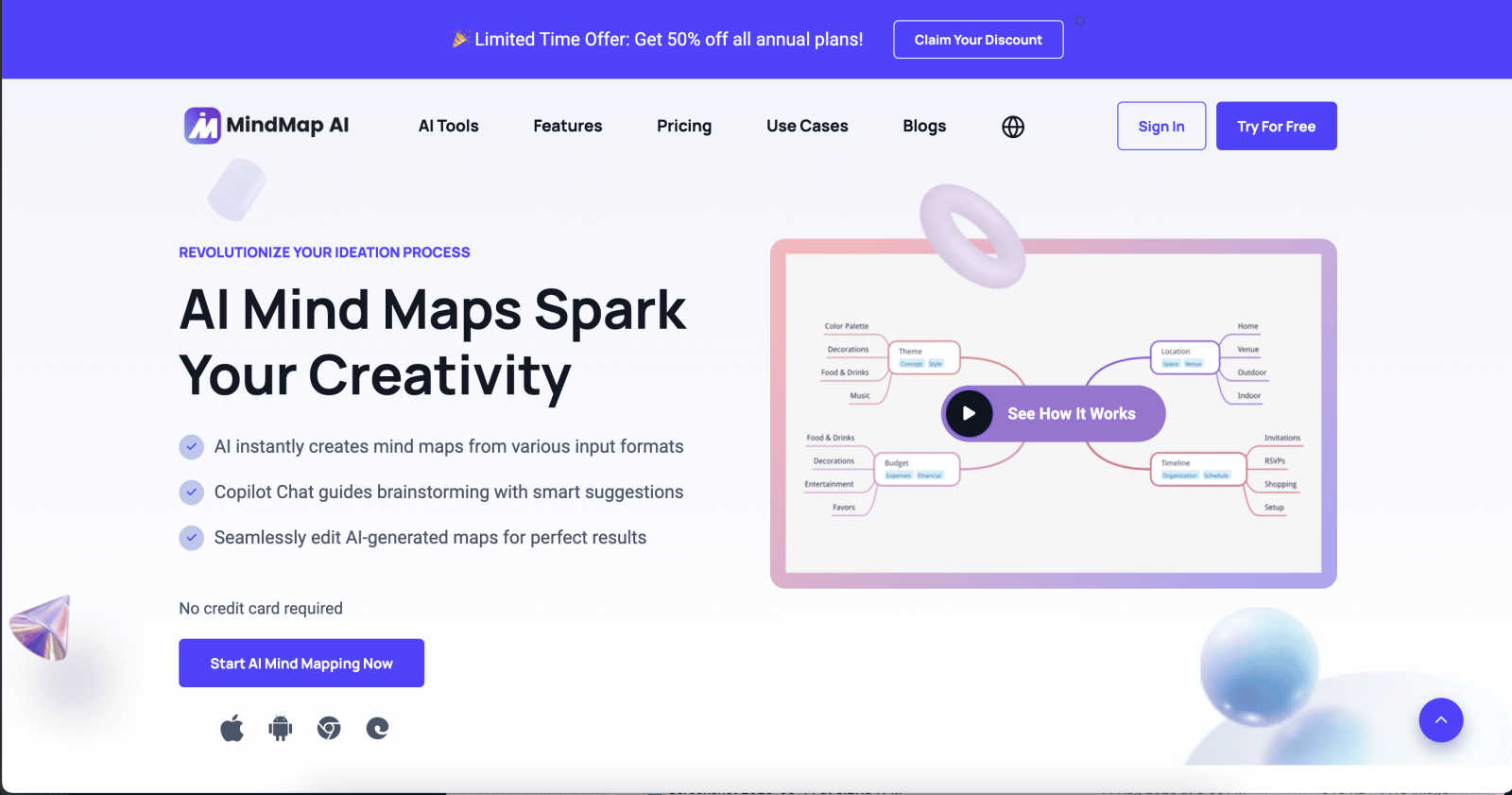
MindMap AI instantly transforms your ideas and documents into structured, editable mind maps for smarter thinking.
Last updated: March 1, 2026
Visual Comparison
LuxSign

MindMap AI
Feature Comparison
LuxSign
Multiple Signature Methods
LuxSign offers various signature methods to accommodate different preferences. Users can draw their signature with a mouse, type their name, or upload an image of their signature. This flexibility ensures quick and easy signing, catering to diverse user needs.
Advanced Security Measures
Security is paramount with LuxSign. The platform employs industry-standard encryption for document storage and transmission, ensuring that sensitive data remains secure. Additionally, documents are hosted on secure servers in Luxembourg, reinforcing compliance with EU data protection regulations.
Collaboration Workspaces
For teams that require seamless collaboration, LuxSign provides dedicated workspaces. These shared environments allow team members to organize documents, manage access rights, and collaborate on signing workflows, enhancing productivity and efficiency.
Complete Audit Trail
LuxSign maintains comprehensive audit trails for every document signed, providing detailed logs with timestamps, signer information, and IP addresses. This feature not only aids in compliance but also ensures transparency and accountability throughout the signing process.
MindMap AI
The New Brain: AI Thinking Mode
This is the secret sauce that separates MindMap AI from mere "AI note-takers." It doesn't just spit out random branches. It uses a sophisticated, step-by-step reasoning engine to deeply understand context, hierarchy, and relationships before drawing a single line. The result? Your first draft is a meaningfully structured map, accurate and usable immediately. You get a thoughtful outline, not a decorative mess.
File-to-Map Conversion: Universal Input
This feature alone justifies the switch. You can transform virtually anything into a clean mind map: PDFs, images, audio recordings, videos, Markdown files, CSVs, and plain text. Instead of manually transcribing and organizing content from different sources, you dump it all in and get a unified, visual summary. It's the ultimate research and meeting digest tool.
MindMark Stability: AI That Respects You
My absolute favorite feature. Unlike other "helpful" AIs that blindly overwrite your hard work, MindMap AI is designed to co-edit respectfully. Your manual edits, custom layouts, and personal structural tweaks are sacred. The AI expands and suggests around your ideas without breaking your design. You remain in full, sovereign control.
Flexible Layouts & Instant Aesthetics
One project, three powerful views: Mind Map, Org Chart, and Logic Chart. Switch between them seamlessly to explore or present your ideas from different angles. Couple this with a library of one-click, beautiful themes, and you have a map that goes from a thinking tool to a presentation-ready artifact in seconds, with full customization for colors, fonts, and shapes.
Use Cases
LuxSign
Legal Agreements
Law firms and legal departments can utilize LuxSign to streamline the signing of contracts and agreements. With its compliance with eIDAS SES, legal documents signed through LuxSign hold validity across the EU, ensuring that legal requirements are met.
Human Resources Onboarding
HR departments can simplify the onboarding process for new employees by using LuxSign for employment contracts and policy documents. The ability to send documents for signature and track their status in real-time makes the onboarding process more efficient.
Real Estate Transactions
Real estate professionals can benefit from LuxSign by expediting the signing of purchase agreements and lease contracts. The platform’s multiple signer capabilities are perfect for transactions involving buyers, sellers, and agents.
Financial Services
Financial institutions can leverage LuxSign for signing loan agreements, investment documents, and other financial contracts. The platform’s robust security measures and compliance with regulations make it a trustworthy solution for sensitive financial transactions.
MindMap AI
Academic Research & Synthesis
For students and researchers, this is a superpower. Dump dozens of academic papers (PDFs), interview transcripts, and book notes into the tool. Instantly, you get a master mind map showing themes, arguments, and gaps in the literature. The AI helps you see connections between sources you might have missed, dramatically accelerating the literature review and thesis outlining process.
Strategic Business Planning
Turn chaotic strategy sessions into clear, actionable roadmaps. Feed it meeting recordings, market analysis reports, and SWOT brainstorm notes. MindMap AI will structure the core objectives, key initiatives, risks, and responsibilities into a coherent strategic map. Teams can then use the Co-Pilot to ask "what are our biggest execution risks?" and refine the plan live.
Project Management & Onboarding
Kick off new projects or onboard team members with crystal clarity. Convert a project charter document, a list of tasks from a CSV, or notes from a kickoff call into a detailed project mind map. Use the Org Chart view to clarify reporting lines and the Logic Chart view to map dependencies. It becomes the single, living source of truth for the project's scope and structure.
Content Creation & Writing
Beat writer's block and organize complex articles or reports. Start by dumping a rough outline, key quotes, or research links into the tool. Let the AI structure your main arguments and supporting points. Use the different views to flow from a brainstorm (Mind Map) to a structured outline (Logic Chart), making the writing process fluid and organized from the start.
Overview
About LuxSign
LuxSign is a cutting-edge electronic signature platform designed for businesses that demand a high level of security and compliance. Developed in Luxembourg, LuxSign prioritizes data protection by ensuring that all documents are encrypted end-to-end and stored exclusively within the country, adhering to GDPR regulations. This cloud-based solution is ideal for companies operating within the European Union, as it complies with eIDAS SES standards, providing legal validity for contracts across member states. With its user-friendly interface, LuxSign allows users to sign and manage documents quickly and efficiently. Features such as customizable signing workflows, automated email notifications, and a robust REST API set LuxSign apart as a top-notch choice for businesses seeking a reliable electronic signature solution.
About MindMap AI
Let's cut to the chase: traditional mind mapping tools are a relic. They force you to become a graphic designer when all you want to do is think. MindMap AI is the revolutionary correction we've all needed. This isn't just software; it's an AI-powered thinking partner engineered for professionals, students, and teams drowning in unstructured information. Its core, game-changing promise is simple: it obliterates the blank page. Instead of starting from zero, you feed it your chaos—a rambling meeting transcript, a dense 50-page PDF, a folder of scattered notes, or even a raw audio clip—and it instantly synthesizes that mess into a coherent, structured, and dynamic visual mind map. This is the magic. It automates the tedious "organization" phase, letting you leap directly into the "insight" phase. With features like an interactive AI Co-Pilot you can chat with, and intelligent capabilities that discover hidden connections, every map becomes a living workspace for your ideas. Built for real productivity, it's the definitive tool for transforming complex concepts into actionable strategies, projects, and clear workflows in minutes. If you're tired of tools that create more work, and you crave a partner that accelerates thought, MindMap AI is your non-negotiable solution.
Frequently Asked Questions
LuxSign FAQ
How does LuxSign ensure document security?
LuxSign employs end-to-end encryption, which secures documents during upload, storage, and transmission. Additionally, all data is hosted on secure servers located in Luxembourg, ensuring compliance with EU data protection standards.
What types of documents can I sign with LuxSign?
LuxSign supports various document formats, including PDF, DOC, and DOCX. Users can easily upload files of up to 10MB, making it versatile for different business needs.
Can I customize the signing workflow?
Yes, LuxSign allows users to create both parallel and sequential signing workflows. This feature facilitates better control over the signing process, enabling users to designate the order in which signers receive documents.
What support options are available for LuxSign users?
LuxSign offers email support for all users, with premium plans providing priority support. This ensures that users can receive assistance promptly, enhancing their overall experience with the platform.
MindMap AI FAQ
How does MindMap AI handle different languages?
Remarkably well. It supports creation and editing in over 25 languages with consistent accuracy. The AI's reasoning engine understands context and hierarchy across languages, so you can map ideas in Spanish, German, Japanese, or others without the layout breaking or the meaning getting lost. It's truly built for a global team.
Can I edit the mind maps after the AI creates them?
Absolutely, and this is where it shines. You have complete manual control. You can drag and drop nodes, change colors, add your own branches, and rearrange the entire structure. The AI's "MindMark Stability" feature ensures your manual edits are preserved, and the AI will only make further suggestions if you ask it to.
What kind of files can I convert into a mind map?
The list is extensive and covers most professional needs: Text, PDFs, Images (it extracts and interprets text), Audio files (like meeting recordings), Video (audio transcription), Markdown, CSV, JSON, XML, and HTML. It's designed to be the central hub where all your disparate information becomes visual.
Is there a free plan to try it out?
Yes, and it's a generous one. You can start with 50 free AI credits monthly without needing a credit card. This allows you to test the core conversion and AI features thoroughly to see how it fits into your workflow before committing to a paid plan for higher volume usage.
Alternatives
LuxSign Alternatives
LuxSign is an electronic signature platform developed in Luxembourg that operates within the realm of productivity and management tools. It is designed to facilitate secure document signing while ensuring compliance with eIDAS SES regulations across the European Union. Businesses often seek alternatives to LuxSign for various reasons, such as pricing constraints, specific feature sets, or integration capabilities that align more closely with their operational needs. When searching for an alternative to LuxSign, users should consider factors such as the level of security offered, the ease of use of the interface, and the ability to customize workflows. It’s also vital to evaluate the platform's compatibility with existing tools and systems, as well as the support and customer service provided.
MindMap AI Alternatives
MindMap AI is a powerful AI-powered mind mapping tool designed to instantly transform your ideas, documents, and even audio into structured, editable visual maps. It belongs to the modern category of AI-driven productivity and brainstorming software, moving far beyond manual diagramming to act as a thinking partner. Users often seek alternatives for a variety of practical reasons. Budget constraints, the need for a specific platform like a native desktop app, or a desire for more traditional, manual diagramming control can all lead someone to explore other options. Some teams might prioritize deep integration with their existing project management stack over raw AI-powered ideation. When evaluating alternatives, focus on what matters most for your workflow. Consider the core intelligence: does it just create a diagram, or does it actually understand and structure information? Scrutinize input flexibility—can it process the file types you use daily? Finally, assess collaboration features and whether the tool helps you move from insight to action, or if it's just a pretty picture.