PoYo API vs Prompt Builder
Side-by-side comparison to help you choose the right tool.

PoYo API
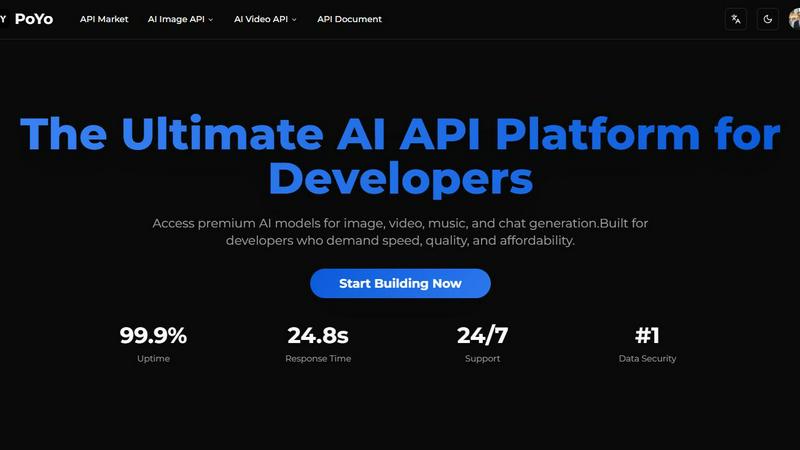
Unlock seamless access to top-tier AI models for image, video, music, and chat generation with PoYo API.
Last updated: February 28, 2026

Prompt Builder
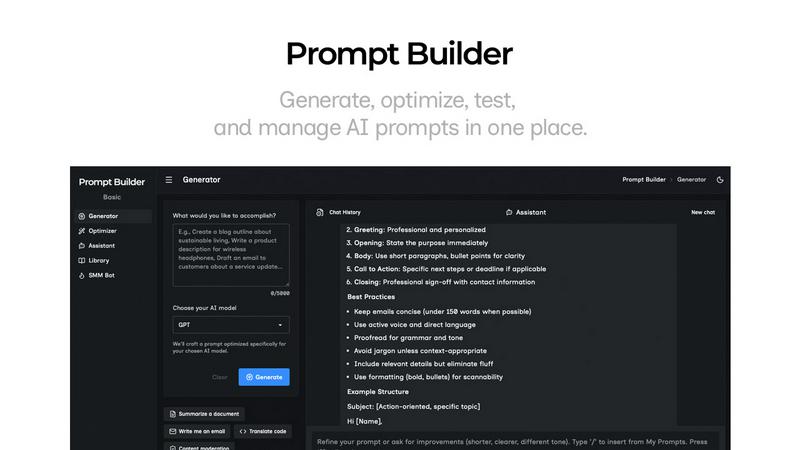
Generate, optimize, test, and manage AI prompts in one place. Turn an idea into a ready-to-use prompt in seconds.
Visual Comparison
PoYo API
Prompt Builder
Overview
About PoYo API
PoYo API is a revolutionary centralized platform that empowers developers by providing seamless access to a vast library of over 500 premium AI models. Covering diverse domains such as image, video, music, and chat generation, PoYo API is tailored for developers who prioritize speed, quality, and cost-effectiveness in their projects. The platform's standout feature is its unified API key system, which simplifies integration and enhances the development experience. With a flexible credit-based pricing model that eliminates the need for recurring subscriptions, PoYo API ensures that developers only pay for what they consume, promoting scalability without the constraints of fixed costs. Notable models, including Sora-2, Nano Banana, and GPT-4o, represent just a fraction of the extensive offerings available. With enterprise-grade security measures in place, a 99.9% uptime guarantee, and round-the-clock technical support, PoYo API is positioned to empower developers to create the next generation of AI applications with unprecedented ease and efficiency.
About Prompt Builder
Prompt Builder is a prompt engineering workspace for writing, testing, and saving prompts. Describe the task in plain English, and it helps you create a prompt that matches the model you choose. Start with a draft, refine it in chat, save or pin versions, then run them when you are ready. It works with GPT, Claude, Gemini, Llama, Mistral, DeepSeek, Grok, Perplexity, and more. You also get an Optimizer, an assistant for quick tests, and a library of reusable prompts and templates from the community. Turn an idea into a ready-to-use prompt in seconds. Refine it in chat, save it to your Library, and run it anytime.