Geekflare Connect vs Prompt Builder
Side-by-side comparison to help you choose the right tool.

Geekflare Connect
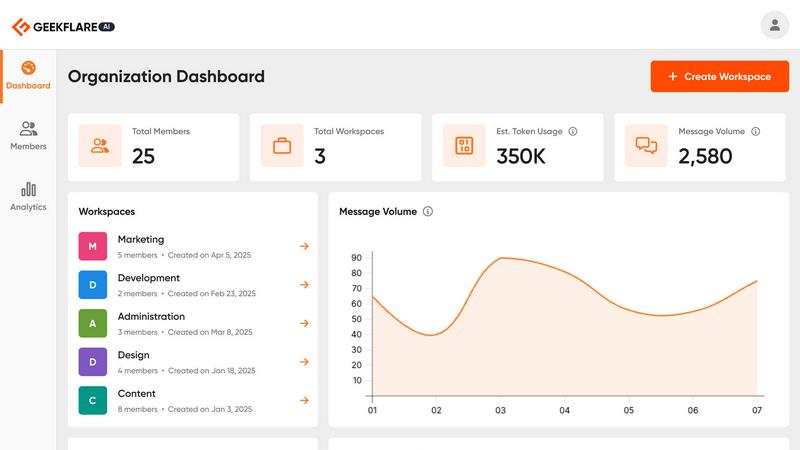
Geekflare Connect centralizes your AI tools, boosting collaboration and cutting costs by up to 65% in one unified.
Last updated: March 1, 2026

Prompt Builder
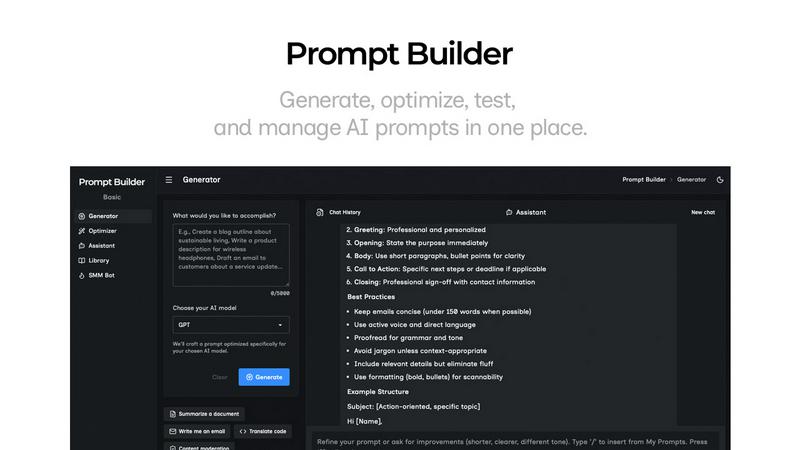
Generate, optimize, test, and manage AI prompts in one place. Turn an idea into a ready-to-use prompt in seconds.
Visual Comparison
Geekflare Connect
Prompt Builder
Overview
About Geekflare Connect
Geekflare Connect is an innovative BYOK (Bring Your Own Key) AI platform tailored for modern businesses that seek to optimize their AI operations while significantly cutting costs related to AI tools. In a fast-paced world where AI technologies evolve rapidly, Geekflare Connect provides organizations with the agility and flexibility they need. Unlike conventional solutions that bind users to a singular AI ecosystem, this platform enables teams to select from a diverse range of AI models that best suit their specific needs. Whether in marketing, sales, development, or support, Geekflare Connect cultivates collaboration through a unified workspace, allowing teams to manage user access and maintain a comprehensive history of their AI-driven projects. With features designed to optimize costs and enhance overall productivity, Geekflare Connect is an indispensable tool for any business eager to leverage AI while keeping expenses manageable.
About Prompt Builder
Prompt Builder is a prompt engineering workspace for writing, testing, and saving prompts. Describe the task in plain English, and it helps you create a prompt that matches the model you choose. Start with a draft, refine it in chat, save or pin versions, then run them when you are ready. It works with GPT, Claude, Gemini, Llama, Mistral, DeepSeek, Grok, Perplexity, and more. You also get an Optimizer, an assistant for quick tests, and a library of reusable prompts and templates from the community. Turn an idea into a ready-to-use prompt in seconds. Refine it in chat, save it to your Library, and run it anytime.