LinkedInPro vs RemoveTexts
Side-by-side comparison to help you choose the right tool.
Elevate your professional image instantly with LinkedInPro's AI tool that transforms casual photos into polished.
Last updated: February 28, 2026

RemoveTexts
AI-powered tool that removes text from any image in seconds — no Photoshop needed.
Visual Comparison
LinkedInPro
RemoveTexts

Overview
About LinkedInPro
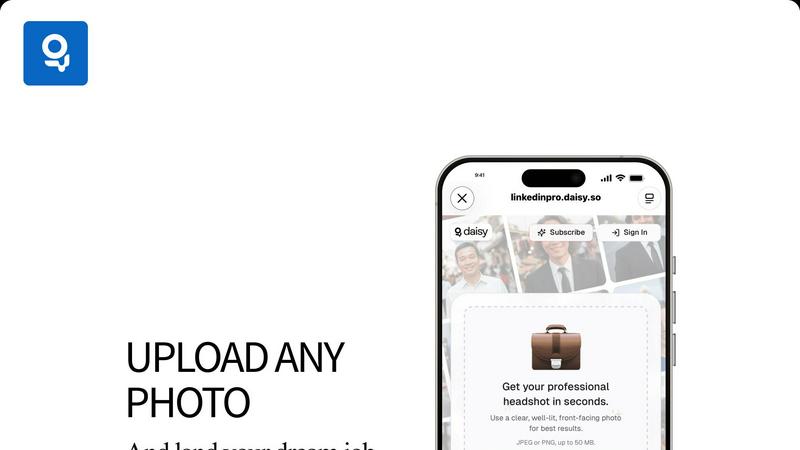
LinkedInPro is an innovative AI-driven tool designed to revolutionize the way we create professional headshots. In a world where first impressions are often made online, LinkedInPro offers a seamless solution for job seekers, entrepreneurs, and professionals looking to enhance their online presence, particularly on LinkedIn. This tool transforms everyday photos into stunning, studio-quality headshots in mere seconds, eliminating the need for costly photography sessions. The main value proposition of LinkedInPro lies in its ability to provide a quick and effective way to present yourself in the best light possible. Users can upload a clear and well-lit image, and within moments, receive a polished headshot that reflects their professional persona. Whether you are updating your LinkedIn profile, crafting a resume, or building a personal brand, LinkedInPro ensures you make a strong and positive impression without the hassle and expense of traditional photography.
About RemoveTexts
No Photoshop, no manual selection - just upload and get clean results in seconds.
Perfect for cleaning screenshots, removing watermarks, or erasing unwanted text.
RemoveTexts is an AI-powered image editing tool that removes unwanted text from any image with one click. Whether it's watermarks, meme text, subtitles,date stamps, or branded overlays — our AI detects and erases text while seamlessly reconstructing the original background.
Key Features:
- Paint to Remove — Brush over specific text areas for precise control
- Auto Remove All — AI detects and removes every text element automatically
- Edit & Replace Text — Change existing text in images while matching the original style
- Remove Objects — Erase unwanted objects, logos, and visual elements
- 50+ Languages — Works with English, Chinese, Japanese, Korean, Arabic, and more Powered by state-of-the-art generative AI with 4K output quality. No design skills required. Results in seconds, not hours. Used by 100,000+ creators, marketers, and designers worldwide.