Fluidium
Fluidium is my favorite app for creating mesmerizing, touch-based fluid art to relax and design.
Visit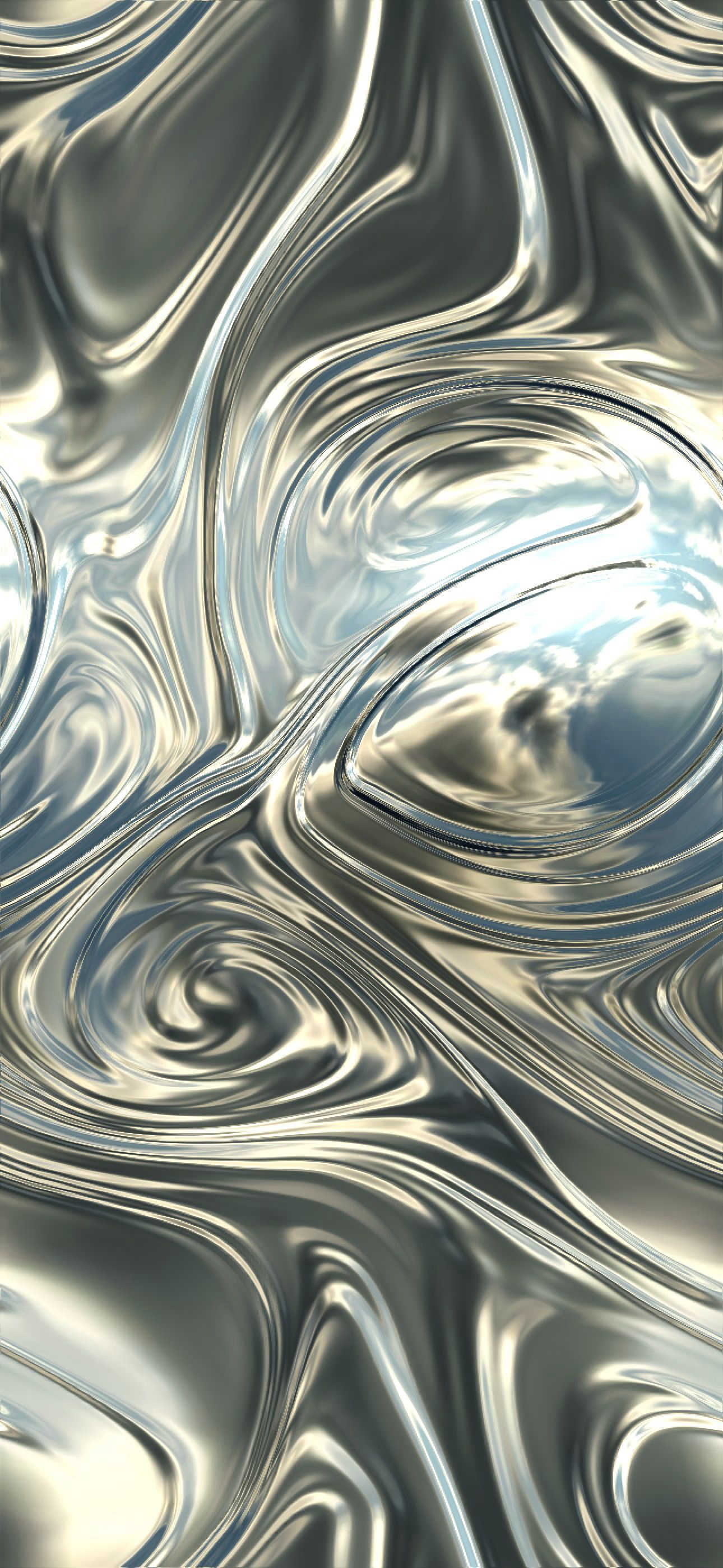
About Fluidium
Fluidium isn't just another app; it's a portal to pure, mesmerizing digital artistry. As a successor to the legendary Uzu, it takes the concept of interactive particle play and drenches it in stunning, hyper-realistic fluid simulation. This is a premium, tactile experience where your fingers become paintbrushes and your screen transforms into a canvas of swirling, blending, and reacting liquid color. It’s built for anyone with a spark of creativity, a need for a digital zen garden, or simply an appreciation for beautiful software engineering. The core value proposition is breathtakingly simple yet profound: instant, real-time visual gratification. There's no learning curve, no complex tools to master—just you and an endlessly responsive, physics-based liquid that obeys your every touch, creating unique masterpieces that can never be perfectly replicated. Built from the ground up with Apple's Metal framework, it promises and delivers silky-smooth performance, making even the most complex fluid interactions feel effortless on any supported iOS device. This is digital art as a sensory experience.
Features of Fluidium
Real-Time Interactive Fluid Simulation
This is the heart and soul of Fluidium. The fluid physics are astonishingly responsive, creating the immediate and satisfying illusion that you're pushing around pools of viscous, colorful liquid. Each interaction—a tap, a swirl, a drag—sends ripples and currents through the digital medium, with colors blending in real-time. The underlying Metal-powered engine ensures this happens without a hint of lag, making the experience feel magical and directly connected to your movements.
130+ Stunning Preset Experiences
Overwhelmed by the blank canvas? Dive straight into the curated collection of over 130 presets. These aren't just simple color swaps; they are fully realized artistic visions, each with its own unique blend of colors, fluid properties, background effects, and brush behaviors. My personal favorites are the ones that mimic metallic paints or glowing neon inks against dark backgrounds. It’s the fastest way to discover the app's vast creative potential and find a visual style that resonates with you.
Custom Palette & Brush Studio
For the true creatives, Fluidium offers deep customization. You can design your own perfect color palettes from scratch, saving combinations for future sessions. More impressively, you can tweak the brushes themselves, adjusting parameters like viscosity, flow, and blending behavior to create everything from watery watercolors to thick, gooey oil paints. This level of control transforms the app from a toy into a genuine digital art tool.
Auto-Play & Recording Suite
Sometimes you just want to sit back and watch the art create itself. The Auto-Play mode is a perfect digital fireplace, generating endlessly evolving fluid patterns for relaxation or ambient screen decoration. When you do create something spectacular, the built-in recording feature lets you capture high-quality videos or screenshots to share your ephemeral creations with the world, preserving moments of digital beauty that would otherwise vanish.
Use Cases of Fluidium
Digital Stress Relief & Mindfulness
Forget meditation apps with guided voices. Fluidium is my go-to for a five-minute mental reset. The act of slowly swirling colors, watching them blend and flow in a hypnotic dance, is incredibly calming. There’s no goal, no score, just a peaceful, focus-absorbing activity that pushes out daily clutter. It’s a pocket-sized zen garden for the digital age.
Creative Inspiration & Color Play
Artists, designers, and anyone in a creative rut can use Fluidium as a dynamic inspiration tool. Experimenting with unexpected color combinations and organic patterns in the app can spark ideas for traditional projects. The way colors merge and interact can suggest new palettes or compositional flows that you wouldn't have discovered on a static color wheel.
Live Visual Aid or Background
For educators, presenters, or streamers, Fluidium can serve as a captivating live visual. Its responsive nature makes it great for illustrating concepts of flow, mixing, or physics in an engaging way. Alternatively, running it in Auto-Play mode on a tablet or secondary screen creates a stunning, ever-changing abstract background for videos, meetings, or events.
Pure Aesthetic Enjoyment & Sharing
At its simplest, Fluidium is for the joy of beauty. It turns your expensive iPad or iPhone into a living piece of art. Creating a particularly stunning fluid scene and then recording a slow, cinematic video of it to share on social media is a unique form of expression. It’s about creating and sharing moments of visual poetry.
Frequently Asked Questions
Is Fluidium free to download or use?
Fluidium is a premium application. It requires a one-time purchase to download from the App Store. There are no subscriptions, no in-app purchases to unlock core features, and no advertisements. You pay once and own the complete, full-featured experience forever, which is a model I deeply appreciate.
What Apple devices are compatible with Fluidium?
Fluidium is built exclusively for the iOS ecosystem using Apple's Metal graphics API. This means it requires a relatively modern device to run smoothly. You'll need an iPhone or iPad running a recent version of iOS/iPadOS. For the optimal, buttery-smooth experience, I recommend using it on devices with newer chips (A12 Bionic and later).
Can I export the art I create in high quality?
Absolutely. Fluidium includes robust export options. You can take high-resolution screenshots of any moment directly within the app. More importantly, you can record real-time video of your sessions, perfect for creating shareable clips for social media like Instagram, TikTok, or YouTube. The videos capture the full, fluid motion of your creation.
How does it compare to the creator's previous app, Uzu?
While Uzu was a groundbreaking interactive particle simulator, Fluidium is its more sophisticated, artistically-focused successor. Think of Uzu as playing with brilliant sparks of light, while Fluidium is about painting with thick, blending liquids. The visual style, tactile feel, and emphasis on color blending in Fluidium are entirely different and represent a significant evolution in the developer's work.
Similar to Fluidium

MD TO TEXT
Paste Markdown below to remove formatting, keep readable text, and copy clean output for AI workflows, docs cleanup, and publishing.

Suparelay
Call landlines and mobiles in 200+ countries from your browser. The person you call needs no app. Prepaid, from about 2 cents a minute.
Novastart
Apps and files on an infinite canvas where people and AI agents work together.

SightRadar
Face recognition API, a drop-in replacement for AWS Rekognition. Index, search, compare and detect faces, billed per photo with no subscription.
Nijia
See where Mac storage goes, review items before cleanup, inspect developer workspaces, and monitor system health. Try every feature free for 7 days.
Low Quality Image
Free browser-based low quality image maker that degrades photos on purpose with compression, downscaling, and pixelation.

Memorable Contact
AI-powered relationship memory that helps you remember people, the context behind your connections, and reconnect when it matters.