
Happy Horse Video Generator
Happy Horse Video Generator creates cinematic short clips from prompts or images, with camera controls and browser-based previews.
Visit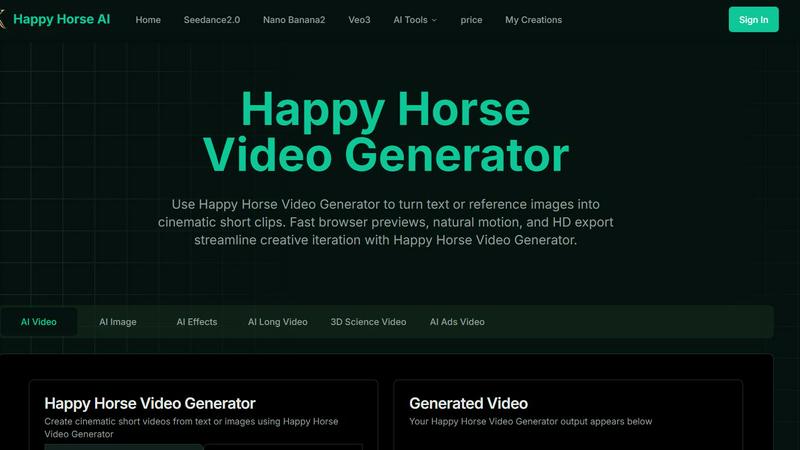
About Happy Horse Video Generator
For creators building a short promotional or social clip, Happy Horse Video Generator offers a prompt-first workflow with image references as another starting point. The interface exposes camera movement, aspect ratio, duration, and resolution choices, giving users several ways to shape a draft before downloading it.
The page also describes style presets and reference-aware motion intended to help maintain a subject across frames. It presents the tool as useful for marketing clips, social shorts, explainers, concept trailers, and product animations. There are other video model choices in the interface, including Veo, Seedance, Kling, and Grok. The page's licensing language says ownership and use terms vary by plan, so check those terms before using a generated clip in client or commercial work.
Features of Happy Horse Video Generator
- Create clips from text or reference imagery.
- Adjust camera motion, duration, aspect ratio, and resolution.
- Select from multiple listed video models and style presets.
- Preview in the browser and download HD clips.
Use Cases of Happy Horse Video Generator
- Produce a social short or marketing draft.
- Animate a product image for a promotional concept.
- Create an explainer or concept trailer from a written idea.
Frequently Asked Questions
Can the tool create image-based video?
Yes. The page describes animating still images and using reference images or clips.
Can I use generated clips commercially?
The page says licensing and ownership vary by plan; review the terms for the plan you use.
What model options are shown?
The interface lists Happy Horse 1.1, Veo, Seedance, Kling, and Grok video options.
Similar to Happy Horse Video Generator
FoxyLab
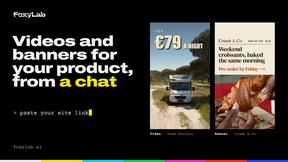
FoxyLab uses chat prompts and product websites to create videos or banner sets, with revisions and code access for teams.

Flux3Max.io
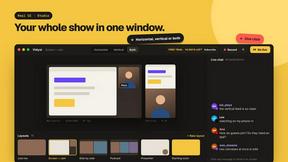
Create 5 to 20 second videos with sound from prompts, photos, or keyframes in a browser studio.

GetAJob.video
Create an AI reaction clip for the “Get a Job” meme from a photo or text scene, then add the sound and captions separately.
Zombie Couple
Make a preset 24-second zombie romance from two adult portraits, with stylized characters, sound, and landscape video in 480p or 720p.
Burning Bridges AI
Turn one authorized adult photo into a first-person Burning Bridges-inspired party video, with optional appearance notes and a private MP4 download.
Tiny Desk AI
Turn a lead photo and up to four friends into a recognizable vertical Outstanding Tiny Desk meme video.