
Mp3To
Effortlessly convert over 30 audio formats directly in your browser with Mp3To, all for free and without uploads.
Visit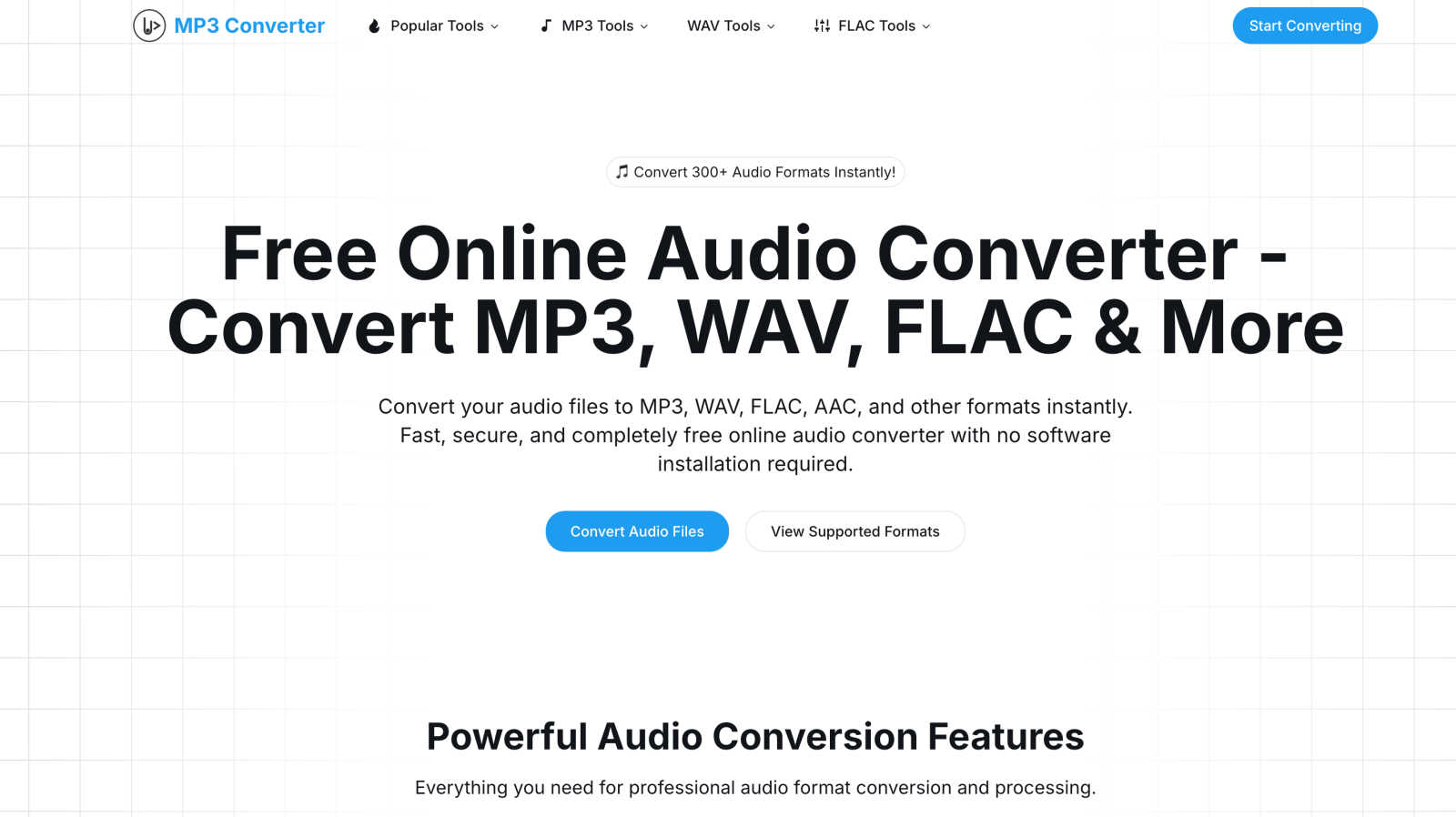
About Mp3To
Mp3To is a cutting-edge online audio conversion platform that offers a simple yet powerful solution for users looking to convert audio files effortlessly. Designed for a diverse audience that includes music producers, podcasters, and casual audio enthusiasts, Mp3To provides a seamless experience by allowing conversions directly in your web browser. With support for over 300 audio formats, including popular options like MP3, WAV, FLAC, and AAC, it caters to a variety of audio needs without the hassle of file uploads. This privacy-first approach ensures that your files remain secure and confidential throughout the conversion process. Additionally, Mp3To is fully optimized for all devices—be it Windows, Mac, Linux, iOS, or Android—making it a versatile choice for users who require audio conversion on the go. Fast processing speeds and professional quality control features make Mp3To not just a tool, but a comprehensive solution for all audio conversion tasks.
Features of Mp3To
Privacy-First Approach
Mp3To prioritizes user privacy by ensuring that all audio processing occurs directly within your browser. Your files never leave your device, safeguarding your data from potential breaches and maintaining confidentiality throughout the conversion process.
Lightning Fast Conversions
Utilizing the power of FFmpeg.wasm, Mp3To offers lightning-fast audio conversions that eliminate the need for file uploads. This technology facilitates instant processing while ensuring high-quality output, allowing users to convert files in mere seconds.
Extensive Format Support
With support for more than 30 audio formats, including MP3, WAV, FLAC, AAC, and OGG, Mp3To provides a comprehensive audio conversion service. This feature caters to the diverse needs of users, whether they are working on music production or simply converting files for personal use.
Batch Processing Capability
Mp3To allows users to convert multiple audio files simultaneously, saving time and effort. This batch processing feature is particularly useful for those who have large collections of audio files to convert, enabling efficient workflow management.
Use Cases of Mp3To
Music Production
For music producers, Mp3To serves as an invaluable tool for converting raw audio files into the desired format for production. The ability to quickly switch between formats ensures that producers can work with the best quality audio files for their projects.
Podcast Creation
Podcasters can benefit significantly from Mp3To's conversion capabilities. Whether transforming interviews recorded in different formats into a uniform audio file or compressing files for easier upload, Mp3To streamlines the podcast production process.
Personal Audio Management
Casual audio enthusiasts can use Mp3To to manage their personal audio libraries. Whether converting music files for different devices or compressing audio for storage, the platform offers a user-friendly experience for everyday audio management.
Video Content Creation
Content creators working with video can extract audio from their video files using Mp3To. This feature allows them to quickly create audio snippets or soundtracks for their projects, enhancing their video content with minimal effort.
Frequently Asked Questions
Is the audio converter really free?
Yes, Mp3To is completely free to use with no hidden costs or registration required. Users can access the audio conversion services without any limitations on usage.
Are my files safe and private?
Absolutely! Mp3To operates with a privacy-first approach, ensuring that all processing occurs in your browser. Your files remain on your device and are never uploaded, keeping your data secure.
What audio formats are supported?
Mp3To supports over 30 audio formats, including MP3, WAV, FLAC, AAC, OGG, WMA, and more. This extensive format support allows users to convert files based on their specific needs.
Is there a file size limit?
Mp3To does not impose any specific file size limits on audio conversions, enabling users to convert files of varying sizes without restrictions, enhancing flexibility and convenience.
Similar to Mp3To
Woodpecker
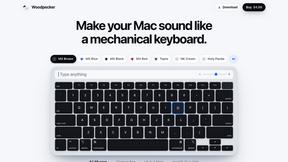
Make your Mac sound like a real mechanical keyboard. Every key plays its own recording, 22 switches, quiet on calls. $4.99 once.

Melodank
Melodank turns your memories and special occasions into unique German or English songs you can preview and share as digital gifts.

Artaivo
One AI workspace for video, images, avatars, and audio.

AI Image Remover
AI Image Remover is a free browser tool for erasing people and objects from photos. Upload an image, brush a mask over the distraction

MusicAny AI Music Generator
MusicAny is my favorite free all-in-one AI studio for instantly turning text prompts into original songs, background music, and video-ready audio.
The Audio Stuff
The Audio Stuff delivers brutally honest, benchmarked reviews of audiophile gear with zero sponsored verdicts and long-term testing so you can build.