
SoniqTools
SoniqTools helps producers and listeners convert, trim and reshape audio in a browser, with local processing and no software installation.
Visit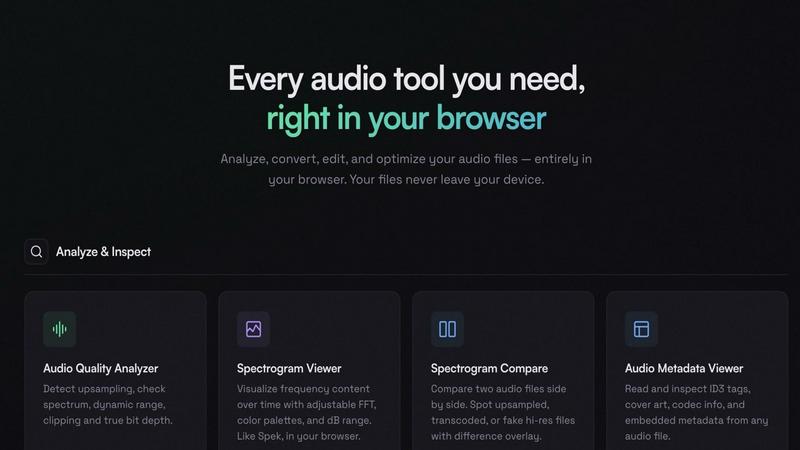
About SoniqTools
SoniqTools is a collection of focused tools for changing audio files in a browser. Its editing options include trimming by visual start and end points, splitting by silence or markers, merging with crossfades, and changing speed or pitch. Conversion tools cover common formats as well as sample rate and bit depth adjustments, including dithering for bit-depth conversion.
This is a practical fit for quick file preparation and transformations when a dedicated workstation would be more than the task requires. The product describes itself as browser-based, with no installation or signup; files are processed locally. It does not present itself as a full multitrack production environment. Producers who need a particular transition can choose crossfade, fade or gap behavior in the looper and merger, while listeners can use simpler trim or reverse operations.
Features of SoniqTools
- Visual audio trimming and splitting by silence, intervals or markers
- Merge files with crossfade, fade or gap transitions
- Change speed, pitch, key or target BPM
- Convert sample rates and bit depths with high-quality interpolation and dithering
Use Cases of SoniqTools
- Cut a clip to visual start and end points on its waveform.
- Split a long recording into segments using silence detection or manual markers.
- Join tracks with a crossfade or insert a gap between them.
- Adjust speed or key for a practice or listening version.
Frequently Asked Questions
Can I split a recording automatically?
The Audio Splitter can segment files using silence detection, time intervals or manual markers.
Can a merge include a crossfade?
Yes. Audio Merger supports smooth crossfade, fade or gap transitions.
Does changing bit depth include dithering?
The site says its Bit Depth Converter uses proper dithering when converting between 16-bit, 24-bit and 32-bit float.
Pricing of SoniqTools
The browser audio tools are free. SoniqTools Pro offers a 7-day free trial, then costs $9.99 per month or $89.99 per year.
Similar to SoniqTools
Clean Audio
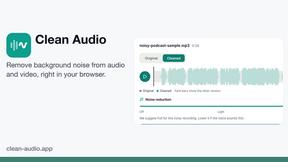
Clean Audio reduces background noise in voice recordings and video using adjustable, local browser processing.

AI Rap Video.cc
Create shareable rap clips from portraits, with original AI performances, duo scenes, vocals, music, and remixing.

GenX.art
GenX.art unites AI image, video, and audio creation, offering model-specific workflows and estimated credit costs before generation.

Woodpecker
Woodpecker gives Mac typing recorded mechanical keyboard sounds, with 22 switch options and automatic silence during calls and password entry.
SoundClean
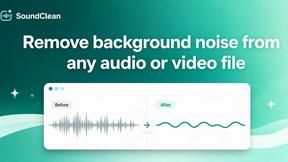
SoundClean removes background noise from creator audio and video, letting users hear a cleaned sample before paying for the full download.
Notify Sound
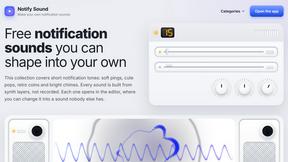
Make short custom alerts and sound effects with a browser-based synth editor, or have a connected AI assistant draft the sound layers.

Melodank
Melodank makes personalized song gifts from your memories, with editable lyrics and two AI-generated versions to preview before choosing.

Artaivo
Artaivo combines AI video, image, avatar, and audio tools for creators working from prompts, still images, or existing footage.