
SubtitlesFast
SubtitlesFast is the fastest way to create and burn stylish subtitles directly into your daily videos.
VisitPublished on:
August 30, 2025
Pricing:
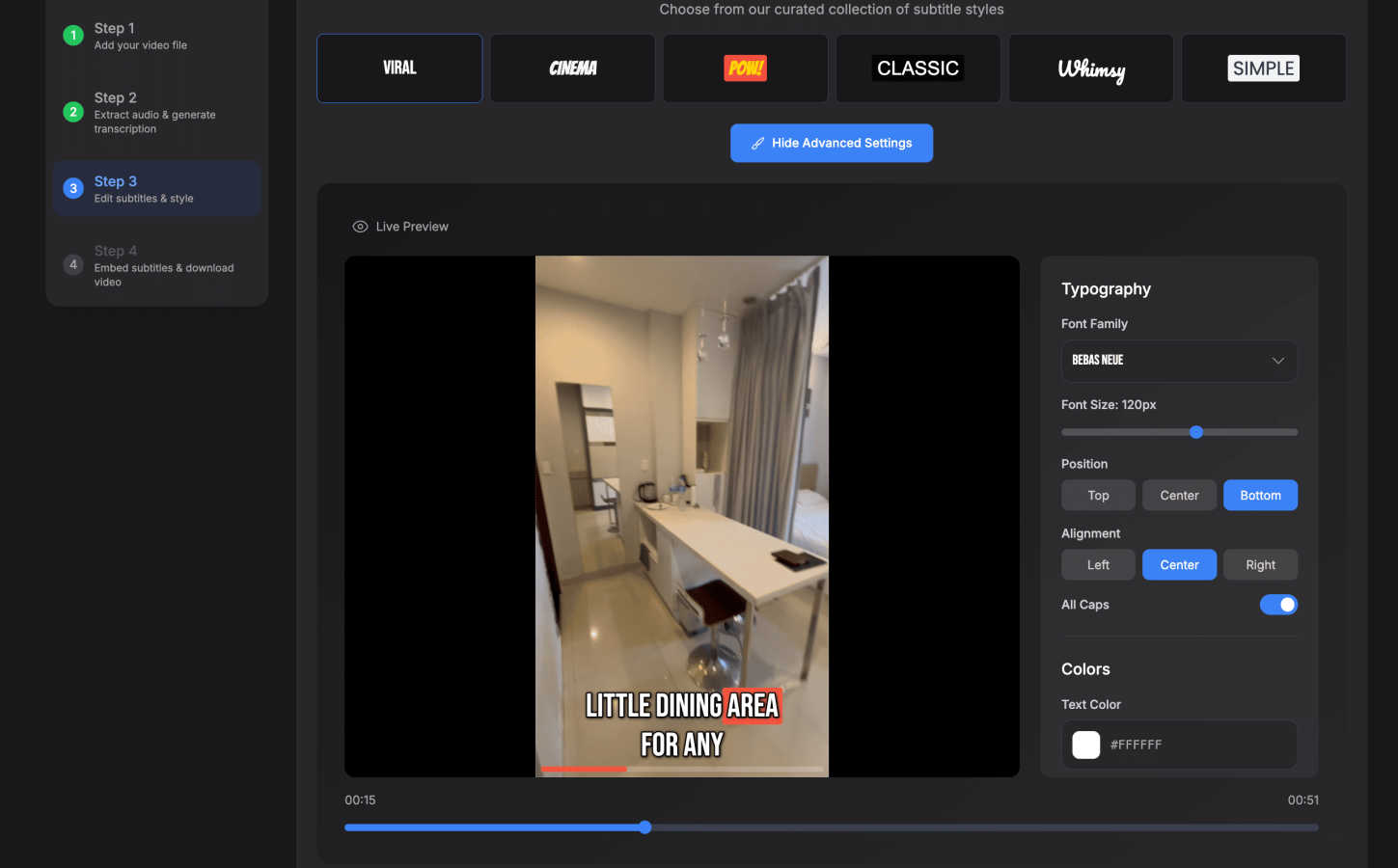
About SubtitlesFast
Let's cut to the chase: if you're a content creator drowning in the tedious, soul-crushing work of adding subtitles, SubtitlesFast is your life raft. This isn't just another bloated video editor with subtitles as an afterthought. It's a purpose-built, laser-focused tool designed for one thing: getting accurate, stylish, and readable subtitles onto your video with minimal friction. Built by a developer who posts daily, it solves the exact pain points creators face—expensive subscriptions, complex interfaces, and watermarked trials that make your work look amateurish. The value proposition is beautifully simple: upload your video, let the AI handle transcription in over 50 languages, customize the style with word-level highlighting and slick animations, and export a polished, ready-to-post file in minutes, all directly from your web browser. It's for the daily vlogger, the social media marketer, the educator, and anyone who understands that subtitles are no longer optional; they're essential for accessibility, watch-time, and engagement in a sound-off world. This tool respects your time and your craft.
Features of SubtitlesFast
AI-Powered Auto-Transcription
This is the engine of the whole operation. You simply upload your video file, and SubtitlesFast's AI goes to work, transcribing your speech into text with impressive accuracy. It supports over 50 languages, which is a game-changer for reaching a global audience. The best part? It's not just a block of text. The transcription is synced at a word-level, enabling dynamic, character-by-character highlighting that makes your subtitles feel professional and engaging, not just a static overlay.
Customizable & Animated Subtitle Styling
Once transcribed, you're not stuck with a boring, default font. SubtitlesFast gives you real creative control. Choose from over 30 animated styles to make your text pop with energy. You can tweak fonts, colors, sizes, backgrounds, and that crucial word-level highlighting. This feature is where you brand your content and match the subtitle vibe to your video's tone, all through a simple, intuitive interface that requires zero design skills or prior editing knowledge.
All-in-One Browser-Based Editor
Forget downloading clunky software. SubtitlesFast runs entirely in your web browser, offering a clean, simple editor with a timeline for fine-tuning. Beyond subtitles, you can add background music, text overlays, and images. It's built with a "no learning curve" philosophy, stripping away the complexity of traditional video editors to give you just the tools you need to finish the job quickly, whether you're on a desktop or your phone.
One-Click, Watermark-Free Export
This is the feature that won me over. Even on the free trial, you can export your final video with the subtitles perfectly "burned in" (permanently embedded into the video) without any ugly watermarks. With one click, your video is rendered and ready for immediate publishing on TikTok, YouTube, Instagram Reels, or X. The export is optimized for social platforms, saving you from the hassle of conversion or compatibility issues.
Use Cases of SubtitlesFast
Daily Vloggers & Social Media Creators
If you're posting daily vlogs, shorts, or reels, efficiency is everything. SubtitlesFast is built for this relentless pace. You can record a clip on your phone, upload it, style your subtitles, and have a finished video published in under five minutes. This workflow, praised by users like @woocassh, turns subtitle creation from a multi-hour chore into a seamless part of your daily routine, ensuring every piece of content is accessible and engaging.
Marketers & Content Agencies
For teams producing high volumes of social media content, brand consistency and speed are key. SubtitlesFast allows marketers to quickly add professional, on-brand animated subtitles to client videos. The multi-language support means you can easily localize content for different markets. The simple UI means less time training team members and more time producing effective, accessible marketing assets that perform better in feeds.
Educators & Course Creators
Educational content relies on clarity and accessibility. SubtitlesFast helps educators make their tutorials, lectures, and online courses accessible to viewers who are deaf or hard of hearing, as well as those who prefer to watch without sound. The accurate transcription ensures complex terminology is captured correctly, and the clean styling keeps the focus on the content without distracting from the lesson.
Accessibility Advocacy & Inclusive Content
Anyone serious about digital inclusion needs a reliable subtitling tool. SubtitlesFast empowers advocates, non-profits, and conscious creators to easily make their videos compliant with accessibility standards. By removing the technical and time barriers, it encourages more creators to adopt subtitling as a standard practice, making the digital landscape more inclusive for everyone.
Frequently Asked Questions
Is there really no watermark on the free trial?
Yes, that's correct! This is one of SubtitlesFast's standout policies. Unlike many competitors that slap a huge, distracting watermark on your exported video during a trial, SubtitlesFast allows you to export fully usable, watermark-free videos even on the free plan. You can test the entire workflow and publish real content before deciding to upgrade.
How accurate is the AI transcription?
The auto-transcription is highly accurate for clear audio. It supports over 50 languages and uses advanced speech recognition models. For best results, ensure you have a clean audio source with minimal background noise. The built-in timeline editor also makes it very easy to quickly correct any minor errors the AI might make, giving you full control over the final text.
Can I edit the video beyond just subtitles?
Absolutely. While its superpower is subtitling, SubtitlesFast includes a simple, integrated video editor. You can trim your clips, add background music tracks, insert text overlays, and include images. It's designed to be a streamlined, all-in-one tool for the final polish your social video needs before publishing.
Do I need to download any software?
No, and this is a major advantage. SubtitlesFast is a 100% web-based application that runs directly in your browser (like Chrome or Safari). There is nothing to download or install. You can access it and work on your videos from any computer or even your mobile phone, offering incredible flexibility and convenience.
Pricing of SubtitlesFast
Based on the comparison table provided, SubtitlesFast is priced at $14 per month. The table highlights its competitive positioning against tools like CapCut ($10/mo), Veed ($19/mo), Descript ($24/mo), and Submagic ($19/mo). The key differentiator emphasized is the availability of a full, watermark-free trial, which many competitors do not offer. This allows users to fully test the service's "No Fuss Subtitles," simple UI, multi-language support, and editing features without any limitations before committing to the subscription.
Similar to SubtitlesFast
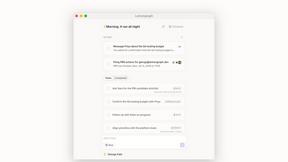
Lemongraph
Almost every conversation ends with a promise. Lemongraph keeps track of them for you and lines up your day the way you would.

Kovnerov
Personal site of Vlad Kovnerov: analytics dashboards, web development, Telegram bots and browser tools for sellers and subscription tracking.

Nano AI
Create and edit AI images, generate videos, and compare models in one creative workbench.
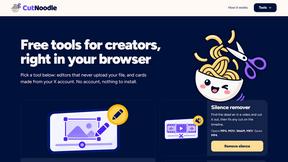
CutNoodle
Free browser tools for creators: edit video and audio locally, create subtitles, and turn public X activity into shareable visuals. No account.
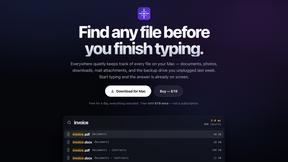
Everywhere
Fast file search for the Mac. Results as you type, files inside Mail and Photos, works with Wi-Fi off. $19 once.
Basalt
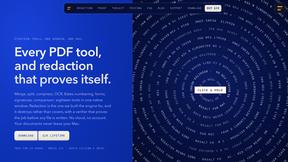
Eighteen PDF tools in one native Mac window: merge, split, compress, OCR, Bates numbering, forms, signing and redaction. Offline. $29 once.

Voice Keyboard Pro
Hold a key, say what you mean, let go. Clean, punctuated text lands at the cursor in any app on your Mac or iPhone.

Mainspring
Mainspring turns the settings macOS hides into 90+ one-click, fully reversible power-ups for Finder, Dock, screenshots and more. $29 once.