SVG to 3D
Effortlessly transform your SVG files into stunning 3D models with advanced controls and lightning-fast processing.
Visit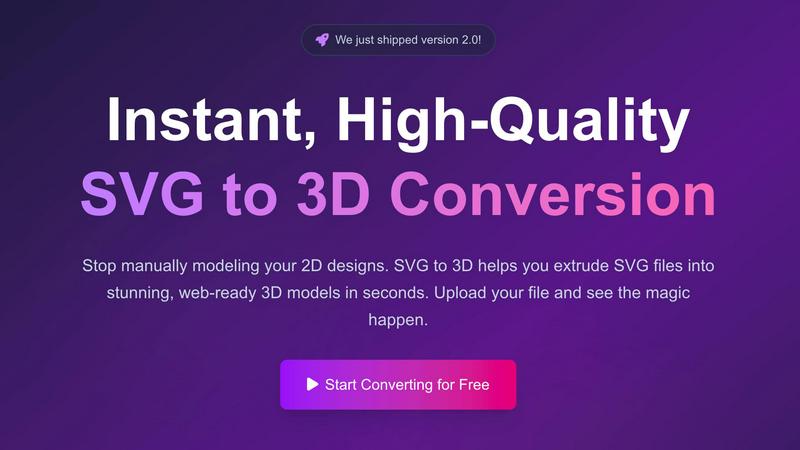
About SVG to 3D
SVG to 3D is a groundbreaking tool designed to effortlessly transform your 2D SVG vector graphics into high-quality 3D models. It addresses a significant pain point for designers, developers, and 3D printing enthusiasts who have often found traditional modeling software cumbersome and time-consuming. With SVG to 3D, you can convert your designs in seconds with just a few clicks, making it perfect for anyone looking to enhance their projects with 3D elements without the steep learning curve of software like Blender or Cinema 4D. Its main value proposition lies in its simplicity and speed, allowing users to upload SVG files and instantly see their creations come to life in a browser-based environment. Whether you are building a website, preparing for 3D printing, or simply want to explore 3D design, SVG to 3D is your go-to solution.
Features of SVG to 3D
One-Click to GLB for the Web
SVG to 3D excels at converting SVG files into lightweight, web-optimized GLB formats with just one click. This feature is a game-changer for web developers, as it allows them to seamlessly integrate 3D models into projects built with frameworks like Three.js or React Three Fiber. The ease of use ensures that developers can add striking 3D elements to their web applications without extensive coding or design work.
3D-Print Ready
The tool offers a robust STL export option, making it exceptionally handy for 3D printing enthusiasts. With clean geometry and optimized output, users can directly utilize the STL files with their slicer software for a smooth transition from digital design to physical object. This feature is especially beneficial for artists and creators who want to bring their 2D designs into the physical realm without needing complex CAD software.
Fine-Tune Every Detail
SVG to 3D goes beyond basic extrusion by allowing users to fine-tune various aspects of their 3D models. You can adjust thickness, add bevels, and apply realistic PBR materials, with all changes visible in real-time previews. This level of control sets it apart from simpler tools, ensuring that your final model is polished and professional, perfect for any presentation or project.
Lightning-Fast Processing
The platform leverages optimized algorithms to deliver rapid conversion times, processing SVG files into 3D models in mere seconds. This speed is crucial for professionals who need quick results and cannot afford to spend minutes waiting for conversions. SVG to 3D stands out as one of the fastest online converters available, making it an essential tool for anyone in need of efficiency.
Use Cases of SVG to 3D
Create Interactive 3D Logos and Icons for Web
SVG to 3D is ideal for web developers looking to elevate their online projects. By converting SVG icons into interactive 3D models, you can enhance user engagement and create visually appealing interfaces. The optimized GLB export ensures that these models integrate seamlessly with popular web technologies, bringing a new dimension to your designs.
From Digital Design to Physical Object
The ability to convert SVG files to STL format for 3D printing opens up a world of possibilities for artists and designers. You can easily create prototypes, custom parts, or unique art pieces that can be fabricated without needing complicated software. This use case empowers creatives to bring their digital visions into the real world with minimal effort.
Enhance Your UI/UX Designs
For UX/UI designers, adding depth to designs can significantly enhance the user experience. SVG to 3D allows for the quick mockup of UI elements in 3D, complete with realistic lighting and materials. This functionality helps impress clients and stakeholders, providing a more immersive presentation of design concepts.
Rapid Prototyping for Developers
Developers can benefit from SVG to 3D by rapidly prototyping 3D models for games or applications. By quickly converting design assets from SVG to 3D, they can iterate and test ideas faster, keeping up with the fast-paced demands of modern development cycles. This use case highlights the tool's versatility in various creative workflows.
Frequently Asked Questions
How does SVG to 3D work?
SVG to 3D works by allowing users to upload their SVG files directly to the tool. The software then processes these files and converts them into 3D models using advanced algorithms, which can be exported in various formats like GLB, STL, and more.
Is SVG to 3D free to use?
Yes, SVG to 3D is completely free to use, providing a no-cost solution for users to convert their SVG files into 3D models without any hidden fees or registration requirements.
What file formats can I export my 3D models to?
SVG to 3D supports multiple export formats, including GLB, GLTF, OBJ, and STL. This flexibility allows users to choose the format that best suits their needs, whether for web integration or 3D printing.
Are my files secure when using SVG to 3D?
Absolutely. SVG to 3D emphasizes privacy and security by processing files locally in your browser whenever possible. This means your designs remain secure and are not uploaded to external servers, ensuring confidentiality throughout the conversion process.
Similar to SVG to 3D


benchmark.directory
An independent directory of 146 AI tools. Every listing was paid for, set up and used on real work. Nobody can buy a place or a score.

saasgrow.ai
Get your SaaS tool discovered. Free listing, honest screening, a dofollow link — and no way for anyone to outbid you.

Tools Network
Tools Network is a curated directory that brings the internet's best AI tools together in one organized place. Spanning 25+ categories

Built2WinWeb AI SEO
A development studio and AI‑native infrastructure provider that builds high‑performance, agent‑ready websites and AI discovery tools.
PixRestorer
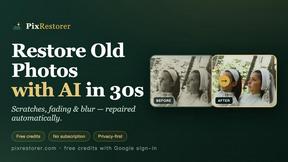
Restore and colorize old photos with AI in seconds. PixRestorer repairs scratches, fading, blur, and tears, brings black-and-white prints to life in n