
Ultimate Forms
Ultimate Forms simplifies SharePoint with no-code solutions for flexible forms, automation, and insightful reporting.
Visit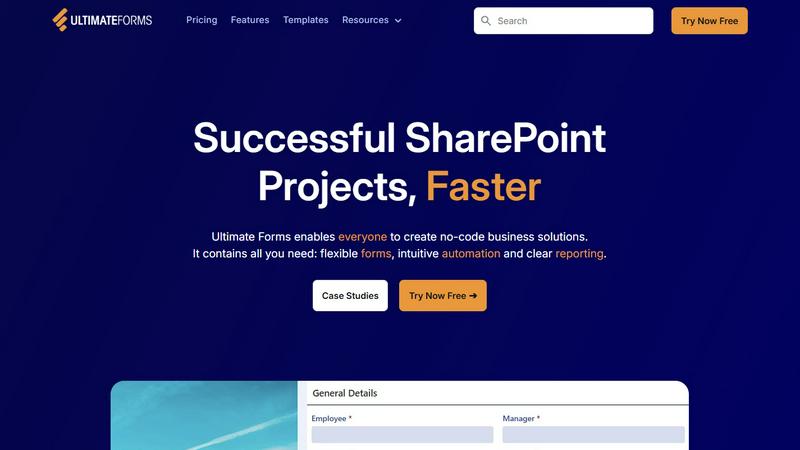
About Ultimate Forms
Infowise Ultimate Forms is an innovative no-code platform tailored specifically for Microsoft SharePoint users, designed to streamline the creation, management, and sharing of customizable forms and business processes. This powerful tool caters to organizations of all sizes, especially those lacking the technical expertise to develop traditional software solutions. With Ultimate Forms, users can craft responsive and interactive forms that incorporate advanced features such as dynamic rules, input validation, and electronic signatures. These capabilities ensure that data remains secure within SharePoint while enhancing the overall user experience and improving data quality. The main value proposition of Ultimate Forms lies in its user-friendliness and its ability to empower individuals and teams to automate workflows effectively without relying heavily on IT departments. By simplifying complex processes and providing a robust suite of tools, Ultimate Forms allows organizations to focus on their core objectives while significantly boosting productivity and operational efficiency.
Features of Ultimate Forms
Flexible Forms
Ultimate Forms offers modern, responsive forms that include features such as dynamic rules, section permissions, and electronic signatures. Users can create forms tailored to their specific needs, ensuring data remains securely housed within SharePoint.
Intuitive Automation
This feature simplifies the automation of SharePoint workflows. With Ultimate Forms, users can implement versatile actions to create and update data seamlessly within SharePoint and across integrated applications like Teams and MS SQL, eliminating bottlenecks without the need for coding.
Clear Reporting
Ultimate Forms transforms data into actionable insights through detailed reports, dashboards, and charts. This feature enables easy visualization of information, enhancing accountability and responsiveness within teams and organizations.
Pre-built Solution Templates
Users can access a vast library of pre-built templates for various business scenarios, such as project management and HR recruitment. These templates can be easily replicated and customized, allowing for quick deployment across different sites and tenants, saving time and effort.
Use Cases of Ultimate Forms
Project Management
Ultimate Forms can be employed to manage and track customer projects, tasks, and work hours effectively. This allows teams to stay organized and ensures that project timelines and deliverables are met consistently.
HR Recruitment
Organizations can leverage Ultimate Forms to create a multi-stage portal for processing and evaluating candidates. This streamlines the hiring process, making it more efficient and effective for HR teams.
Leave Request Management
The platform simplifies the management of employee leave requests and approvals. By automating this process, organizations can ensure that leave is tracked accurately and that approvals are handled promptly.
Asset Tracking
Ultimate Forms can also be used for tracking assets within an organization. By utilizing dynamic forms and clear reporting, teams can maintain an accurate inventory and streamline asset management processes.
Frequently Asked Questions
What is Ultimate Forms?
Ultimate Forms is a no-code forms and automation platform designed for Microsoft SharePoint that allows users to create customizable forms and automate business processes without the need for coding.
Who can benefit from Ultimate Forms?
Any organization using Microsoft SharePoint can benefit from Ultimate Forms, particularly teams and individuals who require efficient tools to streamline workflows and enhance productivity without extensive technical skills.
How does Ultimate Forms ensure data security?
Ultimate Forms keeps all data securely housed within SharePoint, implementing various features such as input validation and permissions to maintain data integrity and security.
Can I integrate Ultimate Forms with other applications?
Yes, Ultimate Forms offers integration with numerous applications, including Exchange, MS SQL, and Teams, allowing users to create seamless workflows across different platforms.