

Alternatives to Best Face Swap
My favorite tool for precise, frame-consistent face swaps in both photos and videos, with dedicated workflows for free trials and uncensored editing.
20 alternatives found
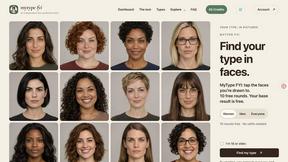
MyType FYI
Explore your visual type through ten free rounds of fictional faces, with optional portraits, posters and five-second videos.
Goshortsai
Turn photos into AI videos for free with Goshortsai. Sign in daily to get free credits, upload an image, describe motion, and generate your video.
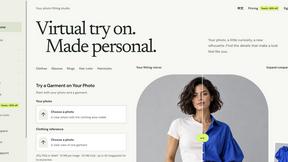
VirtualTryOn
Try on clothes, glasses, rings, hairstyles, and hair colors on your own photos with AI.

Vikas Editor AI
AI photo and video creative studio for Indian creators and global users, with cinematic edits, templates, and customizable prompts.
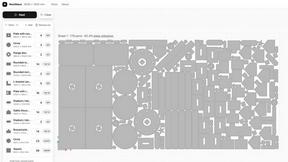
NestMaxx
Free online true-shape nesting software for laser, plasma and CNC router cutting. Pack parts tightly on sheets and export DXF or SVG layouts.
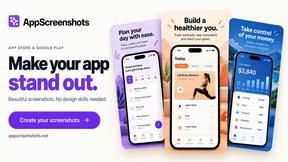
AppScreenshots
Create professional App Store and Google Play screenshots with 3D device frames, templates and batch export.
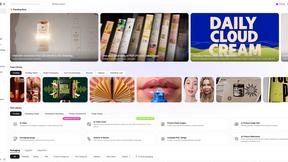
Rhinobird
AI video ads, UGC-style videos, and product visuals for cross-border sellers and e-commerce brands.
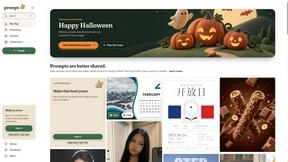
Promptclay
Free-to-copy AI image prompt library. Each prompt is shown next to the image it made.

The Kiss
Turn two photos into a cinematic AI kissing video. Pick one of 13 kiss video templates; 30 free credits on sign-up.
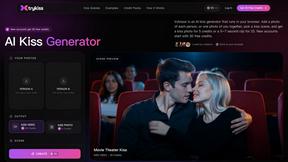
trykissai
AI kiss generator: add a photo of each person, pick a kiss scene, and get a kiss photo or a 5–7 second clip. 30 free credits.
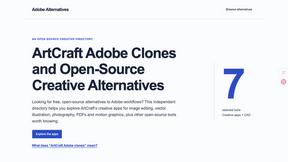
Adobe Alternatives
Explore open-source creative software by workflow, platform and development stage, with comparisons and official project links.
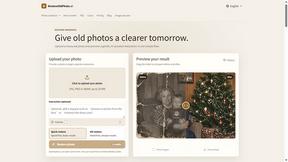
RestoreOldPhoto
Restore old photos with RestoreOldPhoto.ai: repair scratches, creases and fading, sharpen faces and details, and optionally colorize family memories.
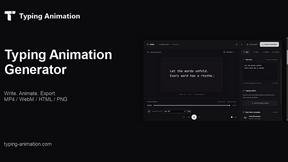
Typing Animation
Create typing animation videos with custom fonts, timing and synchronized keyboard sounds.
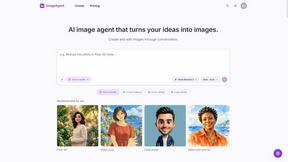
ImageAgent
Create and edit AI images through conversation, using text or reference images and refining results in chat.

GenX
All-in-one AI workspace to generate images, videos, and audio with multiple leading AI models.
AppIconGenerator
Generate iOS and Android app icons from any image and export all platform sizes for free.
AiAgeFilter
Free AI age filter: upload an adult portrait, add 10-40 years, meet your older self. No app needed.

About Best Face Swap Alternatives
Best Face Swap is a straightforward AI tool that lets you swap faces in photos, videos, and GIFs without needing any serious design background. It lives in the broad category of image and design tools, specifically focusing on fun, creative edits rather than professional-grade retouching. People often start looking for alternatives when they hit a ceiling with the tool’s capabilities—maybe the output resolution feels too low for their needs, the video processing is too slow, or they want more control over blending and lighting. Others might be priced out by a subscription model that doesn’t fit their occasional use, or they need a version that works natively on mobile or integrates with other platforms they already use. When you’re shopping for a replacement, the smartest move is to prioritize what you actually need beyond the basic face swap. If you’re a content creator making short clips for social media, look for tools that offer real-time processing or batch editing to save time. If privacy is a concern—and it should be—check whether the service processes files locally on your device or uploads them to a cloud server. Also, pay attention to the output quality: some alternatives let you tweak facial alignment and skin tone matching, which makes the swap look less like a glitch and more like a seamless edit. Finally, consider the platform; a desktop-only tool won’t help if you’re editing on a tablet, so make sure the alternative aligns with your workflow.
FAQs about Best Face Swap Alternatives
What is Best Face Swap?
Best Face Swap is an AI-powered tool designed to swap faces in photos, videos, and GIFs. It uses artificial intelligence to automatically detect and replace faces, making it simple for users to create fun and creative content. The tool is built for efficiency and requires no technical expertise, allowing anyone to edit media quickly.
Who is Best Face Swap for?
Best Face Swap is ideal for individuals looking for a simple and efficient way to edit media without extensive technical skills. It is perfect for casual users, social media enthusiasts, and content creators who want to add humorous or creative face-swapped elements to their photos and videos. The tool is not designed for professional-grade retouching but rather for accessible, everyday fun.
Is Best Face Swap free?
Best Face Swap typically operates on a freemium model, offering basic face-swapping features for free with limitations on resolution, video length, or number of uses. Advanced features, such as higher-resolution outputs or faster processing, often require a paid subscription. Users should check the current pricing page for the most accurate details on free versus paid tiers.
What are the main features of Best Face Swap?
Best Face Swap focuses on AI-driven face detection and replacement across photos, videos, and GIFs. Its key features include automatic face mapping for quick swaps, support for multiple file formats, and a user-friendly interface that eliminates the need for manual editing. The tool is optimized for speed and simplicity, making it suitable for creating shareable content in minutes.