

Alternatives to EditTextImage
EditTextImage is my favorite tool for swapping text in images instantly while perfectly preserving font, color, and perspective without Photoshop.
20 alternatives found

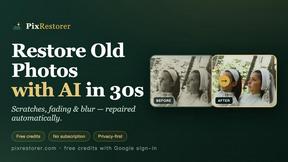
PixRestorer
Restore and colorize old photos with AI in seconds. PixRestorer repairs scratches, fading, blur, and tears, brings black-and-white prints to life in n
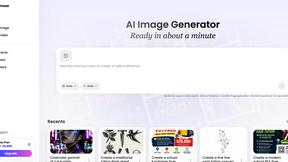
Vismuse
Create polished AI images and videos from prompts or references for social posts, ads, flyers, album covers, and campaigns.

Nano AI Prompts
NanoAIPrompts is a free AI image prompt library built for creators, photographers, designers, and AI enthusiasts. It offers ready-to-use prompts.
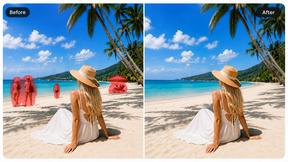
Magic Eraser
AI photo editor for removing objects and backgrounds, enhancing images, and creating visuals on web and mobile.

Tikdek
AI video and image generation for creators, marketers, developers, and teams, with stable APIs for scalable workflows.
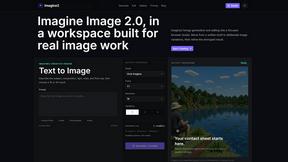
Imagine2
Private browser-based AI image generation and editing with text-to-image, targeted edits, and multi-image references.

Kogashitsuka AI
An online AI image tool that enhances photos and illustrations at their original size or upscales them by 2x or 4x.

PerchanceAI
PerchanceAI is an AI creative studio for image generation, editing, background removal, product photos, and image-to-video creation.

UGCad AI
AI UGC video ad Generator which Turn a URL, prompt, or template into a ready video ads
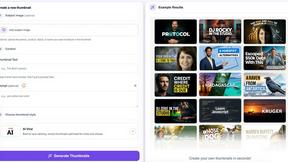
StopScroll
AI YouTube thumbnail maker that generates multiple thumbnail concepts from a URL, title, or prompt.

HubVanta AI
HubVanta AI helps creators generate images and videos with advanced AI tools for visual content workflows.
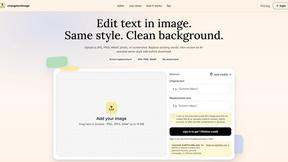
Change Text Image
AI tool to edit and replace text in images while preserving the original design, fonts, and background. Fast image text editing online.
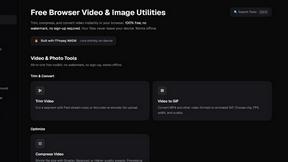
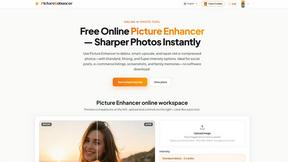
Picture Enhancer
Picture Enhancer is my go-to for instantly deblurring, upscaling, and restoring photos right in your browser with no software install.
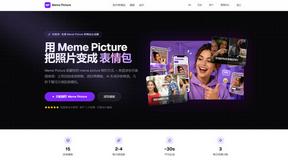
Meme Picture
Meme Picture is my go-to for instantly turning selfies and pet photos into shareable classic memes with free AI generations and no login required.
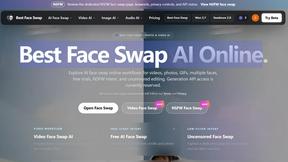
Best Face Swap
My favorite tool for precise, frame-consistent face swaps in both photos and videos, with dedicated workflows for free trials and uncensored editing.
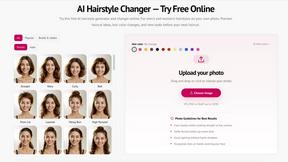
StyleCut
StyleCut is my go-to for virtually trying on over 70 salon-inspired hairstyles and colors on your own photo before committing to a cut.
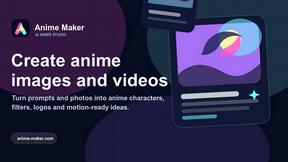
Anime Maker
Anime Maker is my go-to for effortlessly turning text or photos into stunning anime images and short videos.
About EditTextImage Alternatives
EditTextImage occupies a specific and increasingly crowded niche within the broader image generation and editing category: AI-powered text replacement in rasterized images. While tools like Photoshop or Canva require you to manually match a font or rebuild a layout from scratch, EditTextImage automates that entire process by sampling the typeface, color, and perspective directly from the pixels. It’s a brilliant solution for a very specific pain point—fixing a typo or swapping a date on a finished design file you no longer have. However, users often look for alternatives due to pricing structure (a one-time $9.90 for 30 edits can feel restrictive if you only need one edit per month) or platform limitations (it’s a web tool, so offline work is impossible). Others might want a subscription-free tier, higher resolution outputs, or batch processing for multiple images. When evaluating an alternative, prioritize tools that offer a free tier for occasional use, support for complex text effects like drop shadows and perspective warps, and output at least 1440p. Also consider whether the tool handles non-Latin scripts or hand-lettering as reliably as EditTextImage claims to—pixel sampling is impressive, but it can stumble on ornate or highly stylized fonts.
FAQs about EditTextImage Alternatives
What is EditTextImage?
EditTextImage is an online AI-powered tool that lets you replace text in images without needing the original design file or any installed fonts. You upload an image, specify the existing text and the replacement, and the AI samples the typeface, color, drop shadow, and perspective directly from the pixels to render the new text seamlessly. It completes the process in about 10 seconds and outputs at 2K resolution.
Who is EditTextImage for?
EditTextImage is designed for anyone who needs to quickly fix a typo, swap a date, or A/B test a headline on a finished image—whether that’s a poster, screenshot, product photo, or social media graphic. It’s especially useful for marketers, designers, and content creators who frequently work with images but have lost the source design file. The tool eliminates the need for expensive software like Photoshop or Canva subscriptions and requires no design expertise.
Is EditTextImage free?
EditTextImage offers a free first edit with no credit card required, allowing you to test the tool without any commitment. After that, it operates on a pay-per-use model: a one-time payment of $9.90 grants you 30 edits. There is no subscription, so you only pay when you need it, making it a budget-friendly option for occasional use.
What are the main features of EditTextImage?
The core feature is AI-driven text replacement that preserves the original font, color, layout, and perspective—including drop shadows and hand-lettering—by sampling the typography from the image pixels. It works with paid fonts you don’t have installed, outputs at 2K resolution, and completes each edit in roughly 10 seconds. The tool is entirely web-based, requires no software installation, and offers a straightforward upload-and-replace workflow.