

Alternatives to Kling 5
Kling 5.0 is my top pick for creating stunning, 4K cinematic AI videos with perfectly consistent characters.
20 alternatives found
TryKlingAI
Independent Kling AI video generator for text, image, audio, and motion references with Kling 3.0, Lip Sync, and API access.
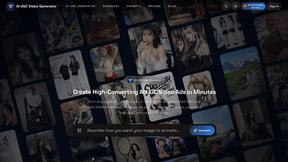
AI UGC Video Generator
Create AI UGC video ads from product URLs, images, or scripts with lifelike creators, voices, captions, and clear calls to action.
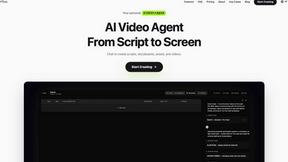
Pixo
Pixo is an AI video director that turns a prompt or script into a storyboard, consistent scenes, voiceover, and an edited final cut.
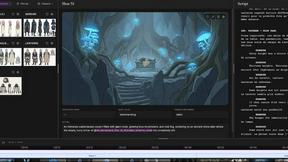
ScreenWeaver
Write the script, build the storyboard from it, and drive AI video prompts, all in one project.
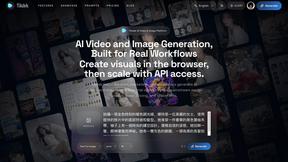

Tikdek
AI video and image generation for creators, marketers, developers, and teams, with stable APIs for scalable workflows.
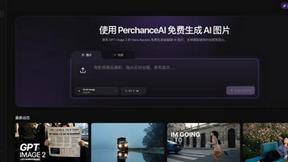
PerchanceAI
PerchanceAI is an AI creative studio for image generation, editing, background removal, product photos, and image-to-video creation.

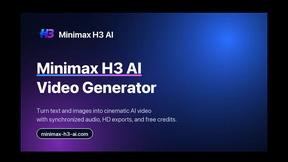
Minimax H3
Turn raw prompts and reference images into polished, downloadable AI videos and visuals.
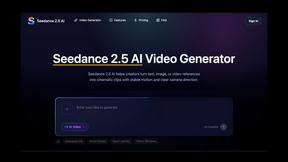
Seedance 2.5 AI
Turn bold ideas into moving stories with Seedance 2.5’s intelligent video workflow.
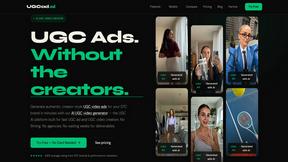
UGCad AI
AI UGC video ad Generator which Turn a URL, prompt, or template into a ready video ads
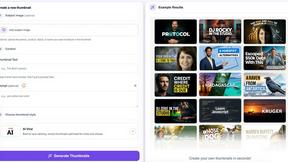
StopScroll
AI YouTube thumbnail maker that generates multiple thumbnail concepts from a URL, title, or prompt.
HubVanta AI
HubVanta AI helps creators generate images and videos with advanced AI tools for visual content workflows.
About Kling 5 Alternatives
Kling 5.0 is a prominent player in the rapidly evolving AI video generator space. It promises to democratize video creation by turning text prompts into professional-looking clips, a category that has exploded in popularity for marketers, educators, and content creators. However, no single tool is a perfect fit for everyone, and users often explore alternatives for a variety of reasons. Common motivations include budget constraints, as premium AI video tools can be costly. Others might seek different creative styles, more granular control over the output, or specific features like advanced lip-syncing or longer video generation. Platform compatibility, such as needing a mobile app or a specific integration, also drives the search for other options. When evaluating alternatives, look beyond just the price tag. Consider the core AI model's quality and style, the flexibility of the editing suite, and the learning curve. Your ideal choice should align with your primary use case, whether it's rapid social media clips, detailed explainer videos, or something more narrative-driven.
FAQs about Kling 5 Alternatives
What is Kling 5.0?
Kling 5.0 is an AI video generator that creates professional-quality video from text prompts, designed for users of all skill levels.
Who is Kling 5 for?
It's for anyone who wants to create captivating video content without needing complex editing skills or lengthy production time.
What are the main features of Kling 5?
Key features include AI-powered generation from text, cinematic quality output, an easy-to-use interface, multiple video styles, customization options, and 4K resolution.
Is Kling 5.0 free?
The provided content does not specify pricing, so you would need to check Kling 5.0's official website for current plan details and any free tier.