
CloneUI
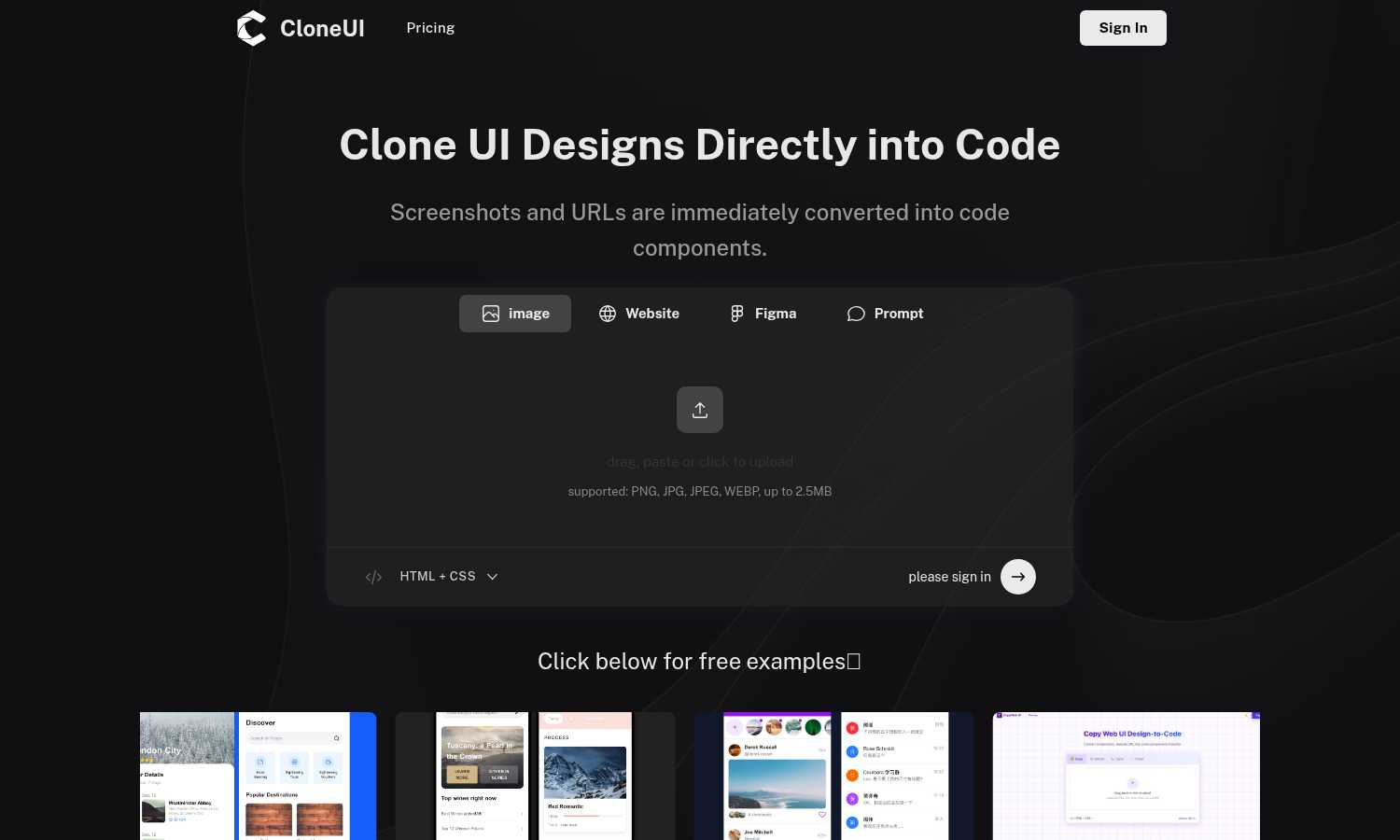
CloneUI instantly converts your screenshots and URLs into clean, production-ready code for any framework.
VisitPublished on:
June 18, 2025
Category:
About CloneUI
CloneUI isn't just another code generator; it's the definitive bridge between the visual world of design and the functional world of development. As someone who has manually translated countless Figma frames and website screenshots into code, I can confidently say this tool is a revelation. Its core promise is intoxicatingly simple yet profoundly powerful: feed it a screenshot, a Figma design file, or a live website URL, and its AI engine delivers clean, responsive, and production-ready HTML, CSS, and even React or Vue components. This isn't about spitting out a messy, unmaintainable div soup. CloneUI generates a structured, semantic foundation that respects modern development practices, meaning developers can actually build upon and customize the output instead of rewriting it from scratch. It's tailor-made for front-end developers drowning in repetitive pixel-pushing, freelancers who need to prototype client concepts at breakneck speed, and product teams aiming to turn static mockups into interactive prototypes without creating a bottleneck for their engineering resources. If you're tired of the tedious manual reconstruction of visual designs, CloneUI is the powerful ally you've been waiting for, prioritizing radical efficiency without ever sacrificing code quality.
Features of CloneUI
Multi-Format Input Flexibility
CloneUI shines by accepting design input from virtually any source you work with. You can drag-and-drop a PNG/JPG screenshot, directly connect to your Figma files, or simply paste a live website URL. This flexibility is a game-changer, allowing you to work from a static inspiration image, a polished design mockup, or an existing site you need to replicate or draw inspiration from, all within the same streamlined workflow.
AI-Powered Component Recognition
This is where the magic truly happens. The tool's AI doesn't just look at pixels; it intelligently analyzes the visual hierarchy and structure to identify common UI patterns. It maps out buttons, navigation bars, cards, and forms, understanding their purpose and relationships. This intelligent parsing is what transforms a flat image into a structured, logical codebase with proper semantic HTML elements, rather than a chaotic nest of meaningless divs.
Framework-Specific Code Export
Once the AI has done its analysis, you're not locked into one output. CloneUI provides a crucial one-click export to your framework of choice: clean vanilla HTML/CSS for simple projects, or fully-fledged component code for React or Vue.js. This feature alone saves hours of manual conversion work and ensures the generated code fits seamlessly into your existing tech stack and development environment.
Built-In Responsiveness
Forget about generating code that only looks good on a desktop. Every line of code produced by CloneUI is built with responsiveness as a core principle. The generated CSS uses modern techniques like Flexbox or CSS Grid to ensure the cloned interface adapts fluidly and elegantly to any screen size, from mobile to desktop, providing a mobile-friendly foundation right out of the gate.
Use Cases of CloneUI
Rapid Prototyping for Freelancers & Agencies
When a client has a vague idea or points to a competitor's site saying "make it like this," CloneUI is your secret weapon. You can instantly generate a working, interactive prototype from a screenshot or URL, transforming abstract concepts into tangible demos in minutes. This accelerates client feedback loops, secures buy-in faster, and lets you focus on unique value instead of rebuilding common layouts from zero.
Accelerating Front-End Development Workflow
For front-end developers, the manual translation of finalized designs is often the most tedious part of the job. CloneUI automates this grunt work. By generating a robust, semantic code foundation from a Figma file, developers can skip the initial hours of structuring HTML and basic CSS. They can immediately dive into adding logic, interactivity, and polishing the unique features that matter most.
Creating Consistent Design System Components
If you need to replicate a specific UI component—like a complex card, a unique navbar, or a pricing table—across multiple pages or projects, CloneUI is perfect. Simply screenshot the component, generate the code, and you have a clean, reusable starting point. This ensures visual consistency and saves you from reinventing the wheel for every common interface element.
Learning & Reverse Engineering Code
For developers looking to learn how a particular visual effect or layout is achieved on a live website, CloneUI serves as an incredible educational tool. By inputting a URL, you can instantly see the clean HTML and CSS structure behind it. This demystifies complex implementations and provides practical, real-world code examples to study and learn from.
Frequently Asked Questions
Which input formats are compatible with CloneUI?
CloneUI supports a versatile range of inputs to fit your workflow. You can directly upload image files (PNG, JPG, JPEG, WEBP up to 2.5MB), connect and import designs from Figma, or simply paste the URL of any live website. This multi-format approach ensures you can generate code from almost any visual source material.
How is the code generated?
The code is generated through a sophisticated AI engine that performs visual analysis on your input. It doesn't just capture pixels; it intelligently identifies UI components, understands their spatial relationships, and infers the underlying HTML structure and CSS styling required to recreate the design faithfully, resulting in clean, semantic, and well-organized code.
What frameworks does CloneUI support for export?
CloneUI offers flexible export options to suit different project needs. You can export the generated code as standard HTML and CSS, or as framework-specific components for two of the most popular front-end libraries: React and Vue.js. This allows you to integrate the output directly into your preferred development stack.
Is the generated code suitable for production use?
Absolutely. A key differentiator for CloneUI is its focus on generating production-ready code, not just a rough proof-of-concept. The output is clean, semantic, responsive, and structured as a solid foundation. While developers will typically add business logic and further customization, the base HTML/CSS is of a high quality that can be directly used or built upon for live projects.
Explore more in this category:
Similar to CloneUI
Budgetpixel AI
Create AI images, videos, music, and designs in one workspace with multiple models, powerful editing tools, and API access.

Kovnerov
Personal site of Vlad Kovnerov: analytics dashboards, web development, Telegram bots and browser tools for sellers and subscription tracking.

SquishFile
Free video tools that run in your browser. Compress, convert, upscale and transcribe without uploading.
PhotoToCartoon: AI Cartoon Generator
Turn photos into cartoons, anime portraits, Ghibli-style art and drawings with this AI cartoon generator. Choose from 57 styles.
SpriteGen
Create AI pixel-art sprites and animated sprite sheets, refine assets in the editor, and export PNG, GIF, or JSON.
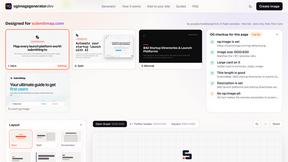
OG Image Generator
Paste a URL and AI designs on-brand Open Graph images from your page's colours, fonts and logo. Free, no sign-up.
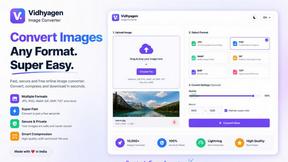
VidhyaGen - Image Converter
Fast, free online platform with 100+ tools for image conversion, compression, editing, PDFs, and text utilities.
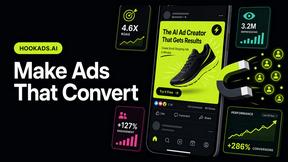
HookAds
Free ad creative hub: 1,750+ prompts behind viral AI ads, 118 hook frameworks, teardowns, swipe files and 27 free AI tools.